
Software
Chalkak OS, your best photobooth software
Every Chalkak booth runs on Chalkak OS. Design the guest flow, frames and screens, add AI styles, and run your whole fleet from one dashboard. Booths look after themselves and only alert you when something needs you, with the steps to fix it.
Features
Everything Chalkak OS does
One system for the booth guests use and the dashboard you run it from.
Design every print and screen
Build frames on the exact printer and paper, restyle every booth screen and arrange the guest journey, then publish to one booth or the whole fleet.
See the design screens- Photo frame designer
- Ready-made frame templates
- Exact photo positions (X, Y)
- Export photo positions (JSON, CSV)
- Booth screen themes
- Guest flow editor
- Background music per booth
- Publish to one booth or all
Supported hardware
Canon cameras
Canon DSLR and mirrorless cameras with live view.
USB cameras
USB webcams for compact and portable booths.
DNP photo printers
DNP QW410, DS-RX1HS and DS620A dye-sublimation printers, including cut strips.
Card printers
Dascom DC2300 for CR80 photo and trading cards.
A4 printers
Driverless A4 printers for newspaper and poster-style prints.
Payment terminals
NETS card terminals, NETS QR and Nayax readers.
Smart power strips
Restart the PC, printer, camera or terminal remotely, outlet by outlet.
Touch screens
Single-screen booths and dual-screen high-angle booths.
Compact Linux PC
Runs on a small mini PC inside the booth.
Chalkak OS
Booths that look after themselves
No restarts or morning checks. Chalkak OS fixes what it can and tells you exactly what to do when it can't.
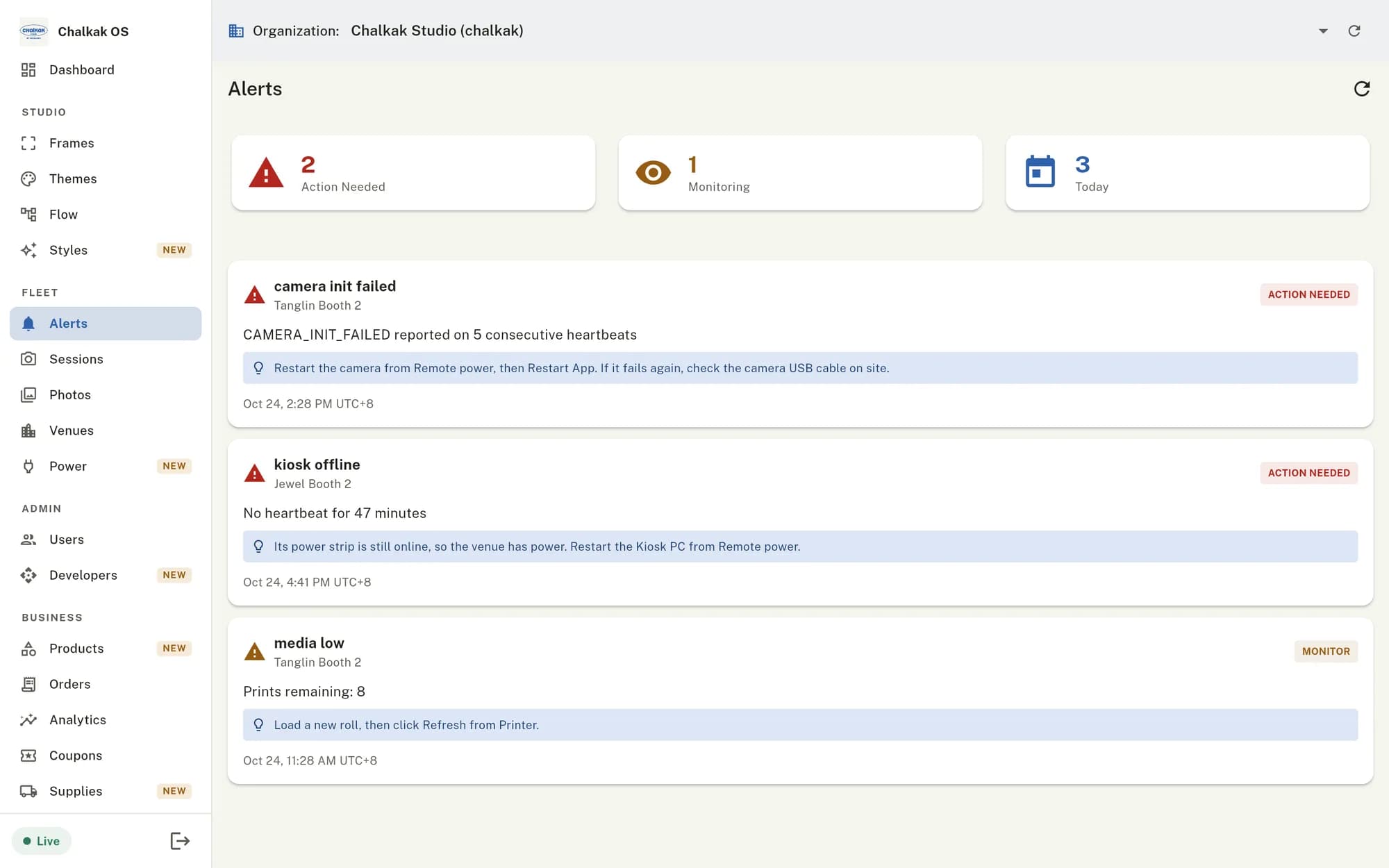
Alerts only when action is needed
Booths recover from most hiccups on their own. When something really needs a person, you get one alert that says what happened and what to do next, such as restarting the camera from Remote power, and an email if it is urgent.
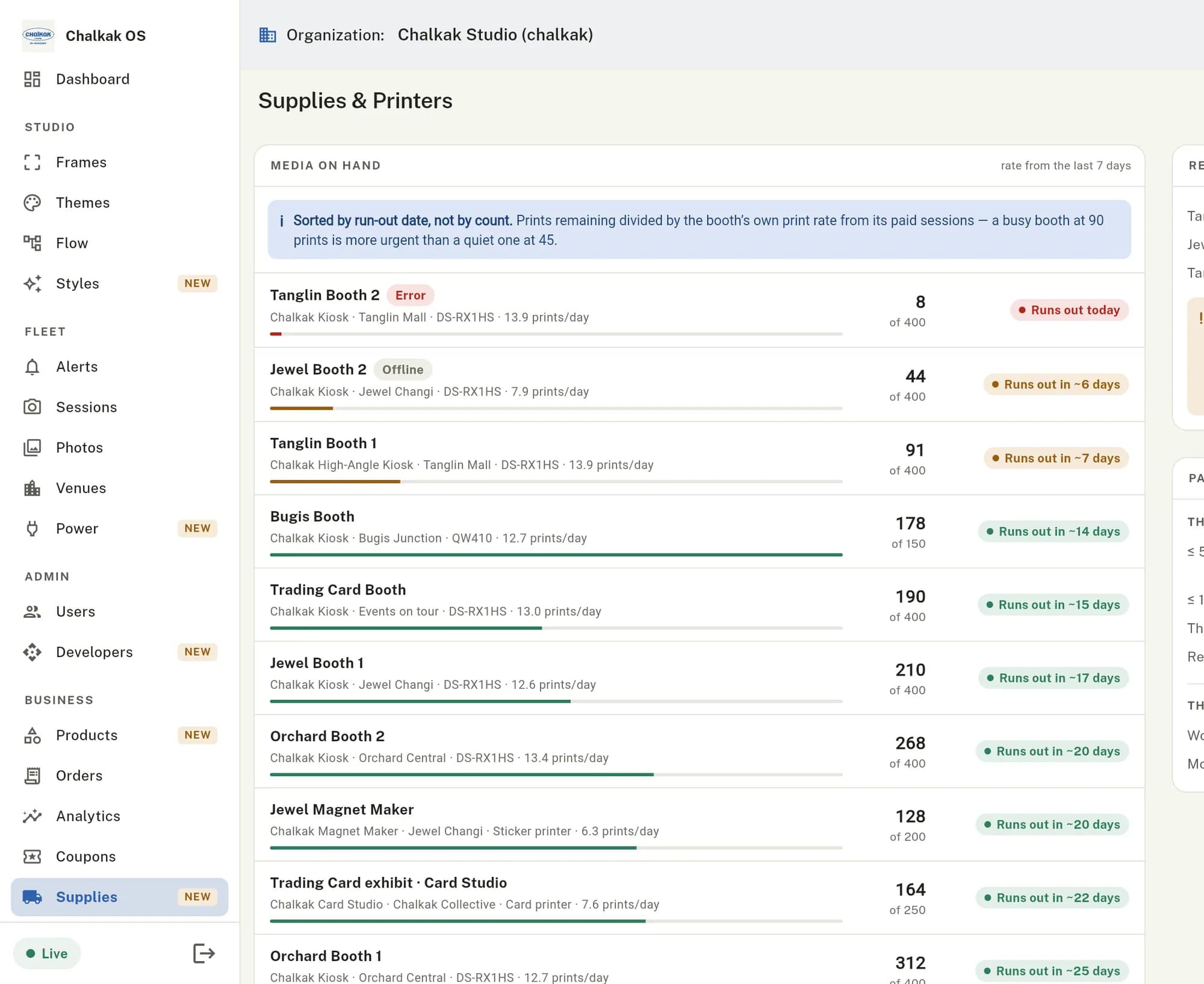
Paper-low warnings before it runs out
Chalkak OS forecasts when each booth will run out of paper from its own print rate. The dashboard flags a booth at 50 prints left, and you get an email at 10, so nobody finds an empty printer.
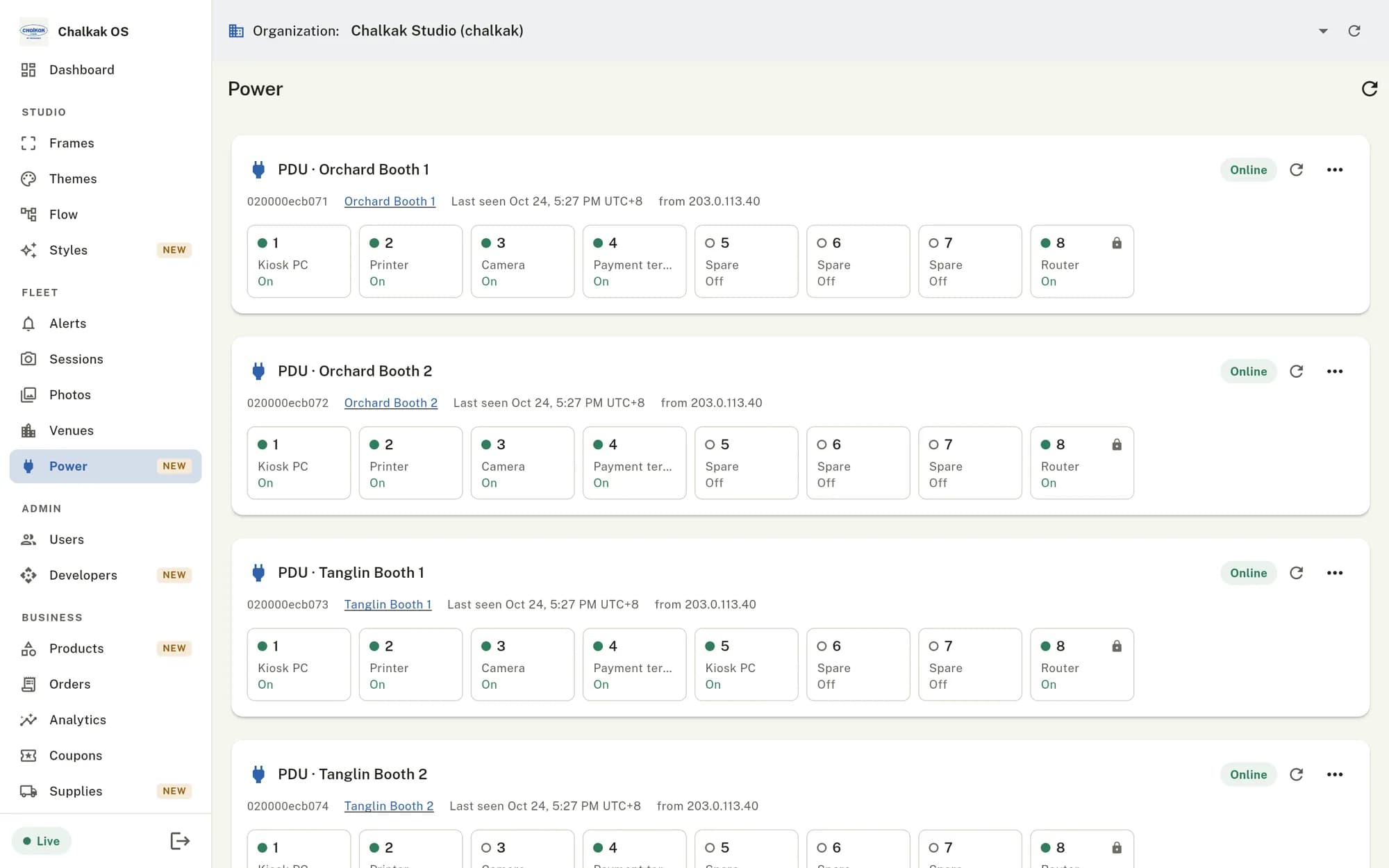
Remote power, if you want it
Every booth's smart power strip is on the dashboard. Restart the kiosk PC, printer, camera or payment terminal outlet by outlet from anywhere. It is there when you want it, not a daily chore.
Chalkak OS
Design the whole booth
Frames, screens, the guest journey and AI styles, all from the dashboard and published to any booth.
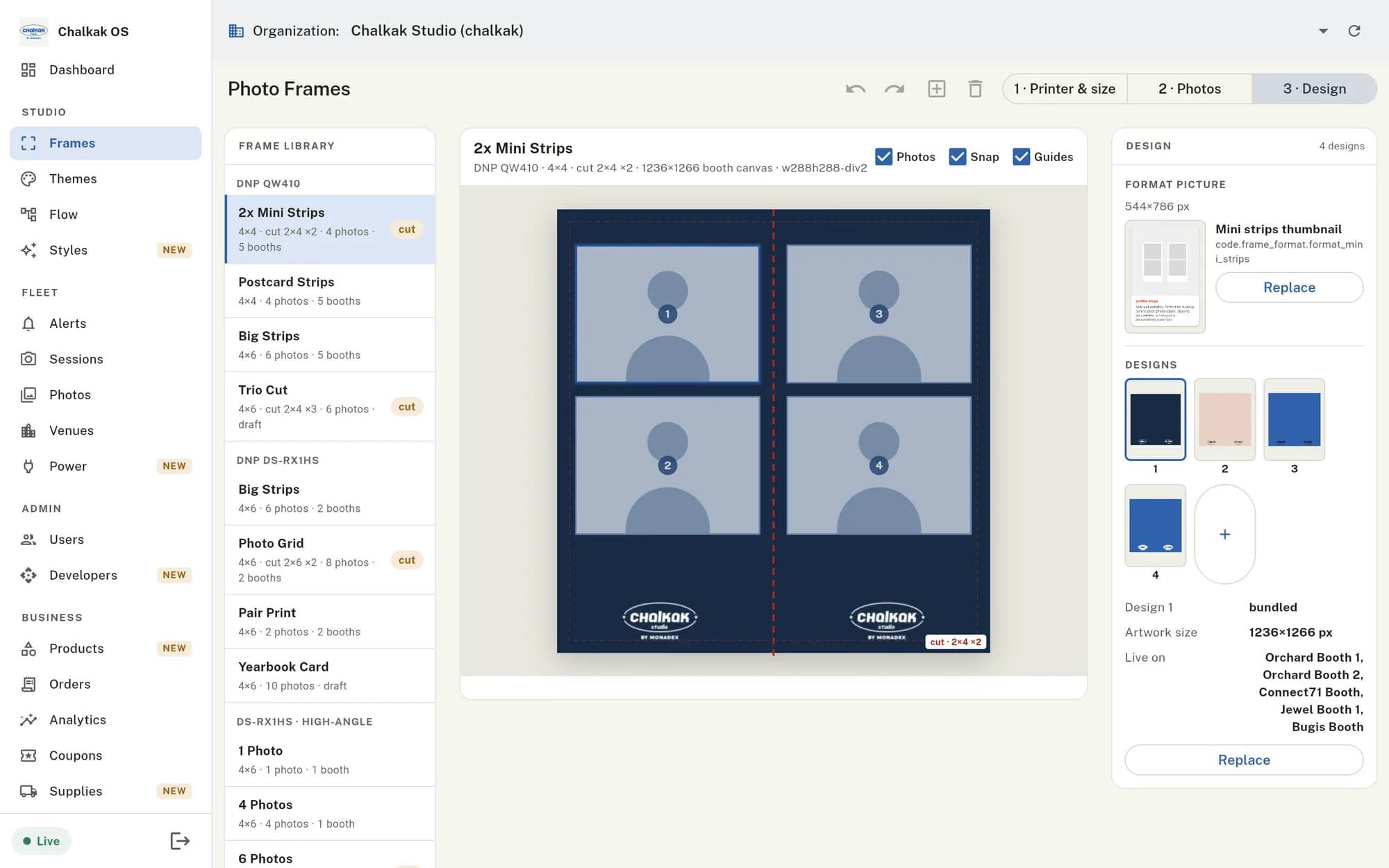
Photo frames
Pick the printer and size, place the photo slots, then upload your artwork. Design in Figma, export a PNG and publish it to one booth or all of them.
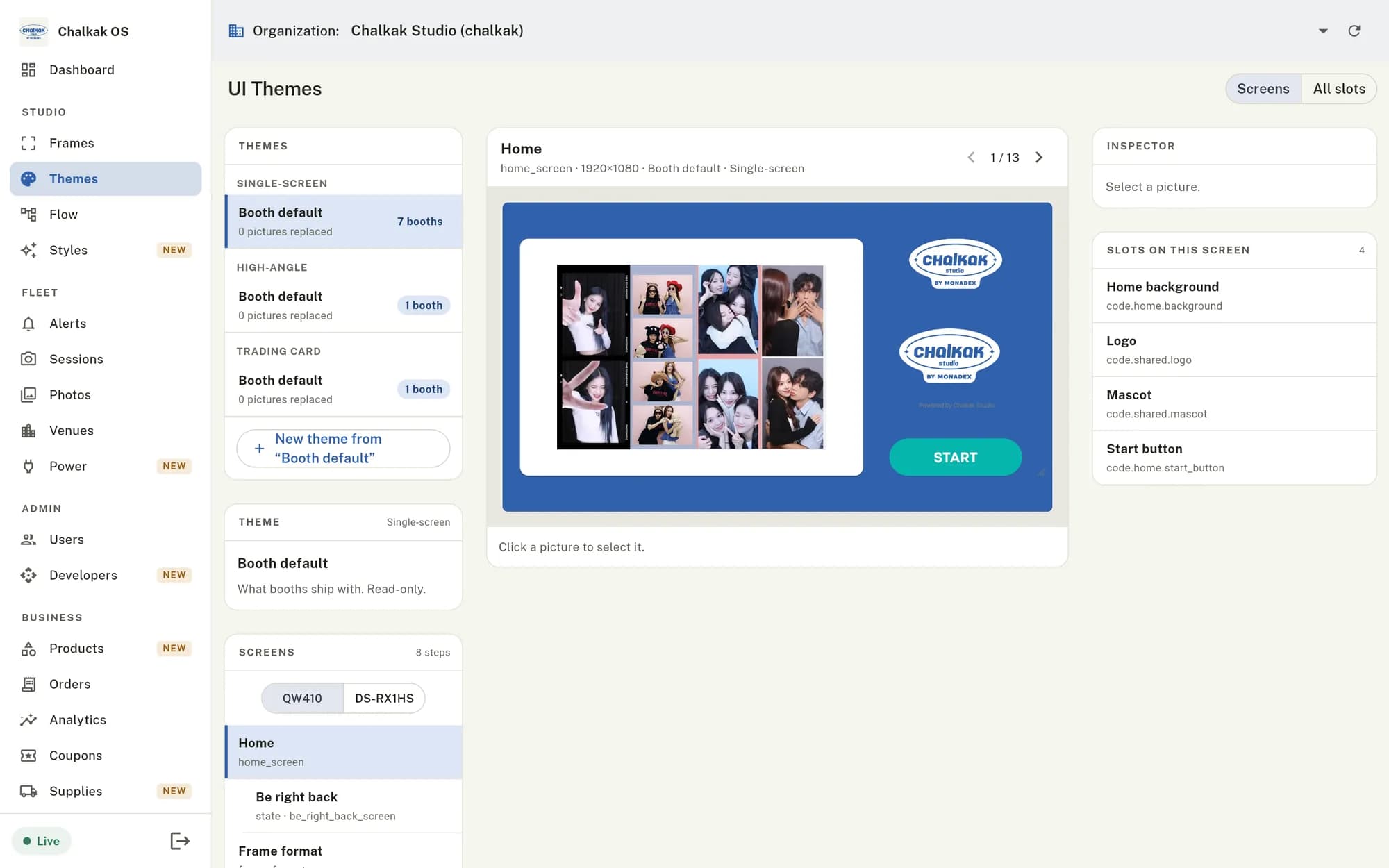
Booth screen themes
Restyle every screen guests see with your own backgrounds, logo, mascot and buttons, and preview it exactly as it will look on the booth.
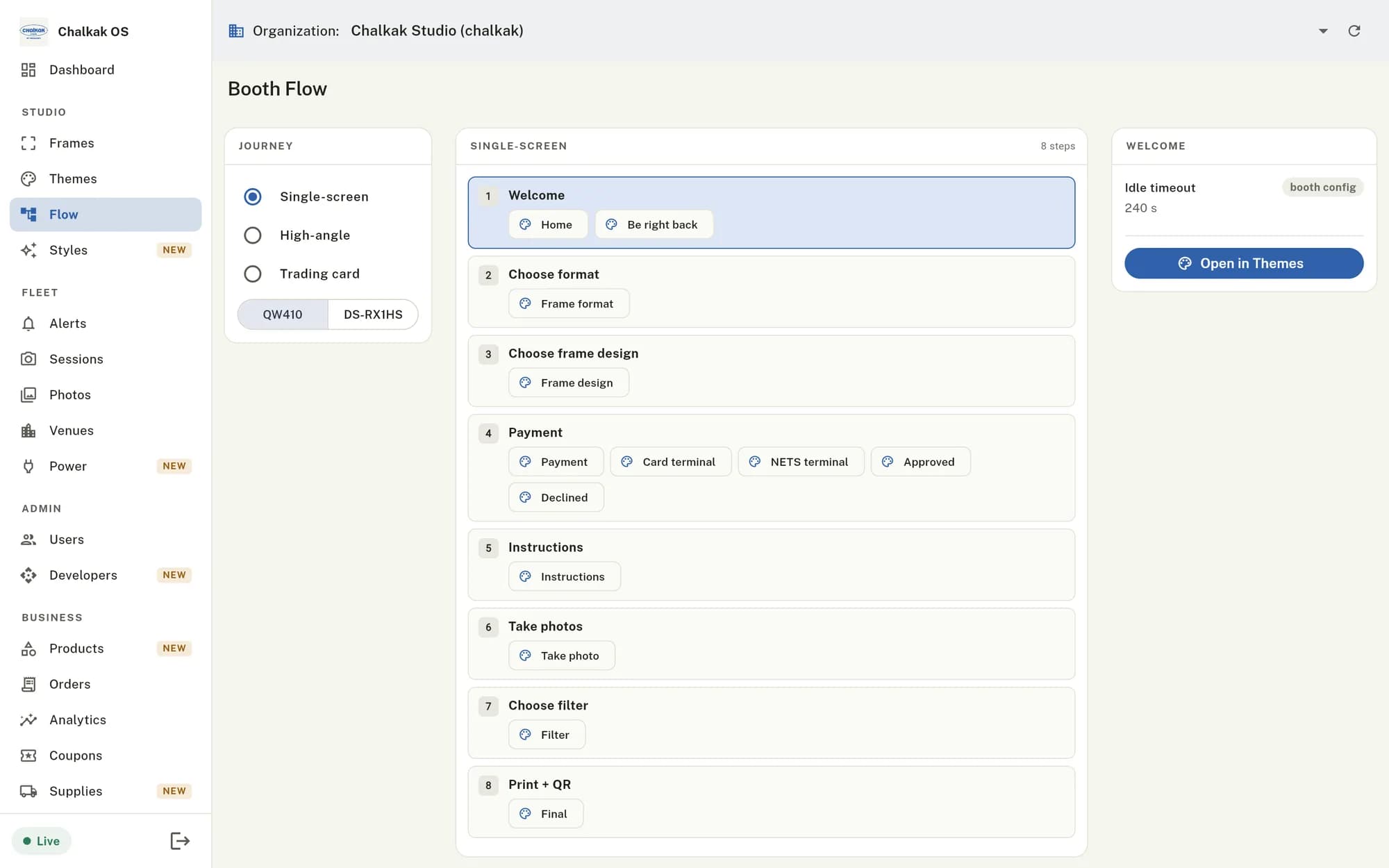
Booth flow
Arrange the guest journey step by step: welcome, frame format, design, payment, instructions, photos, filter, print and QR, with flows for single-screen, high-angle and trading-card booths.
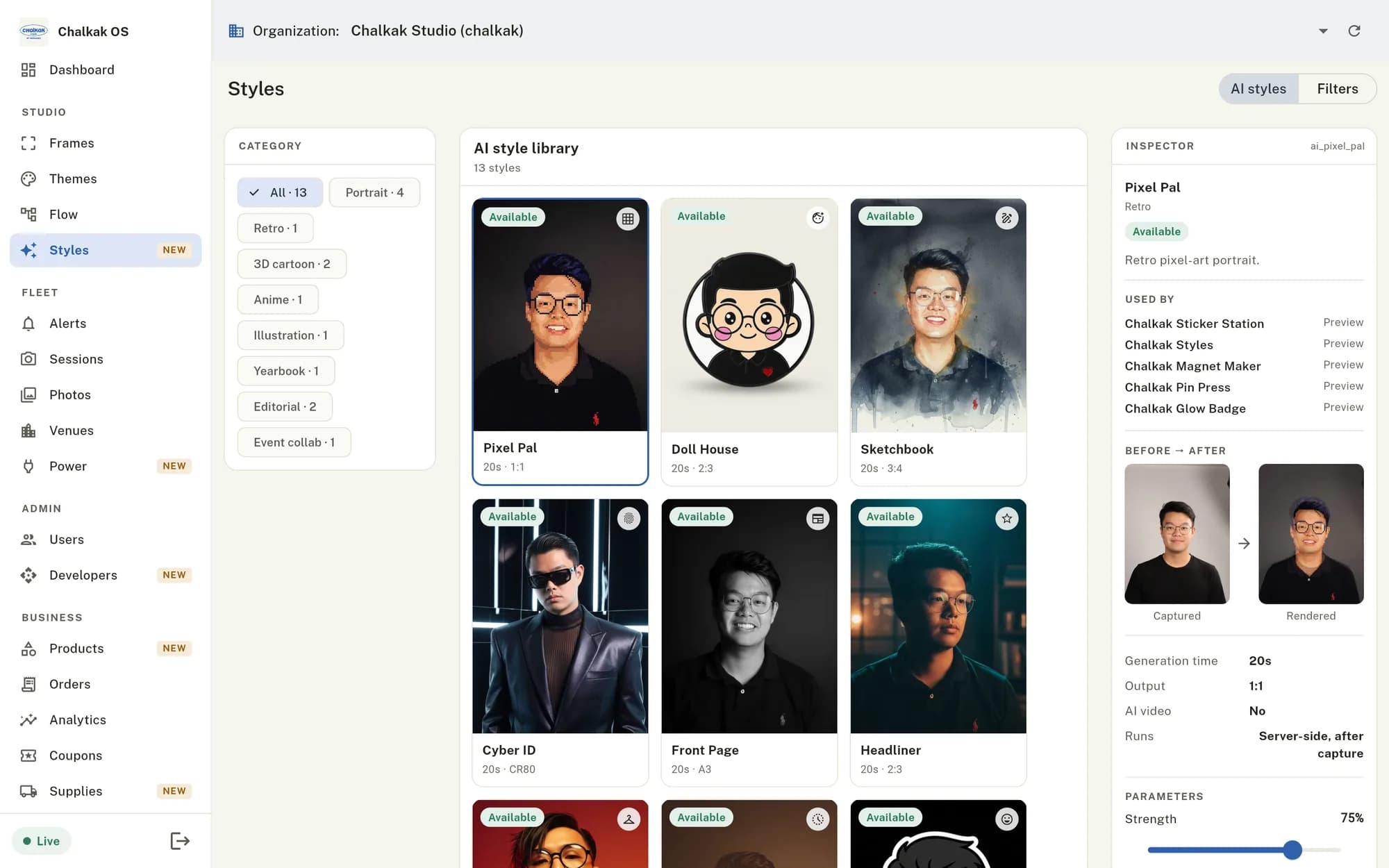
AI styles
Add AI styles to the booth flow, from pixel art and 3D figures to film posters and headliners, with a before-and-after preview. New styles and filters keep coming.
Chalkak OS
Run the business
Sales, venues, coupons and integrations for one booth or a fleet.
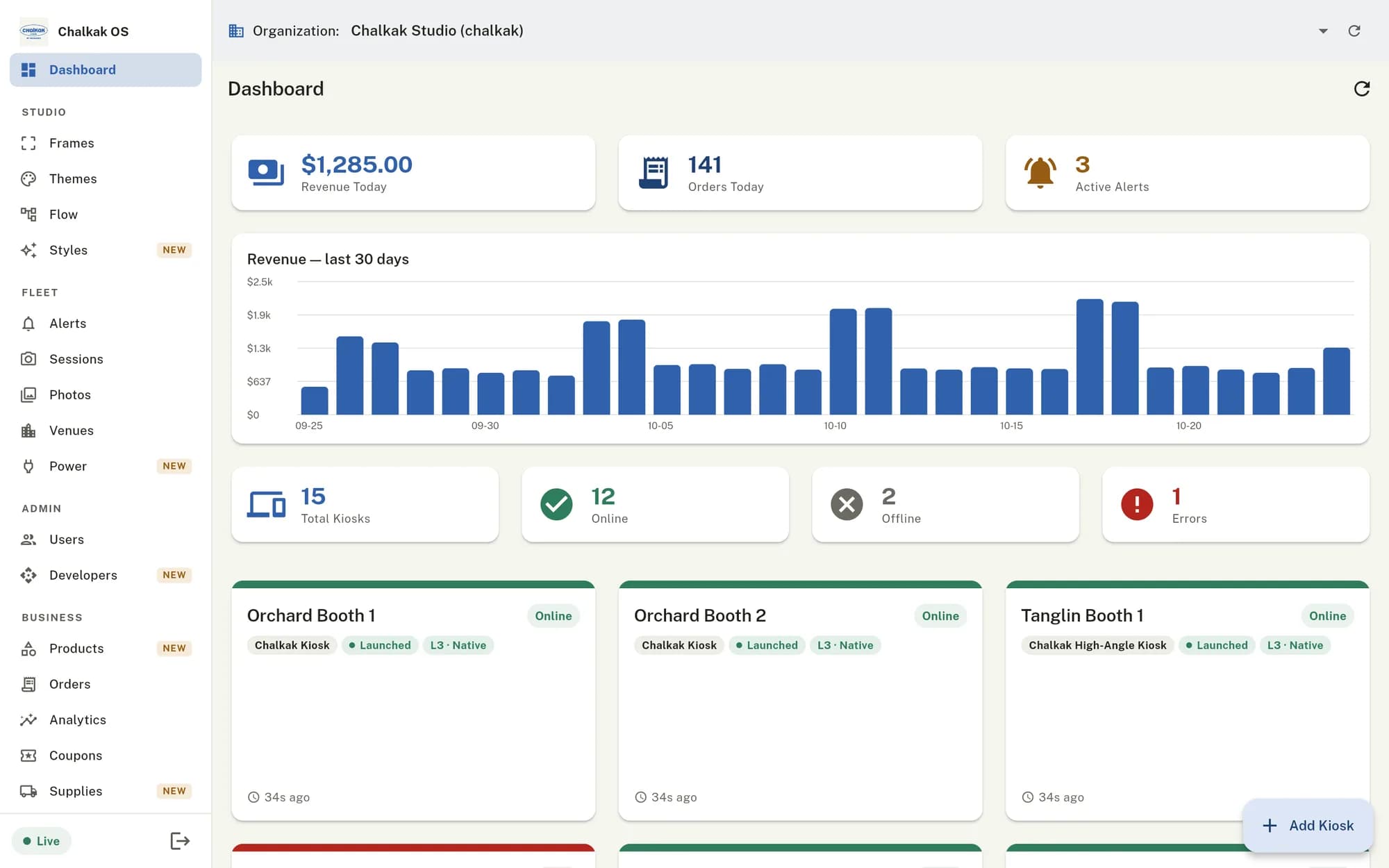
Fleet dashboard
Today's revenue and orders, a 30-day trend and live status for every booth across your venues on one screen.
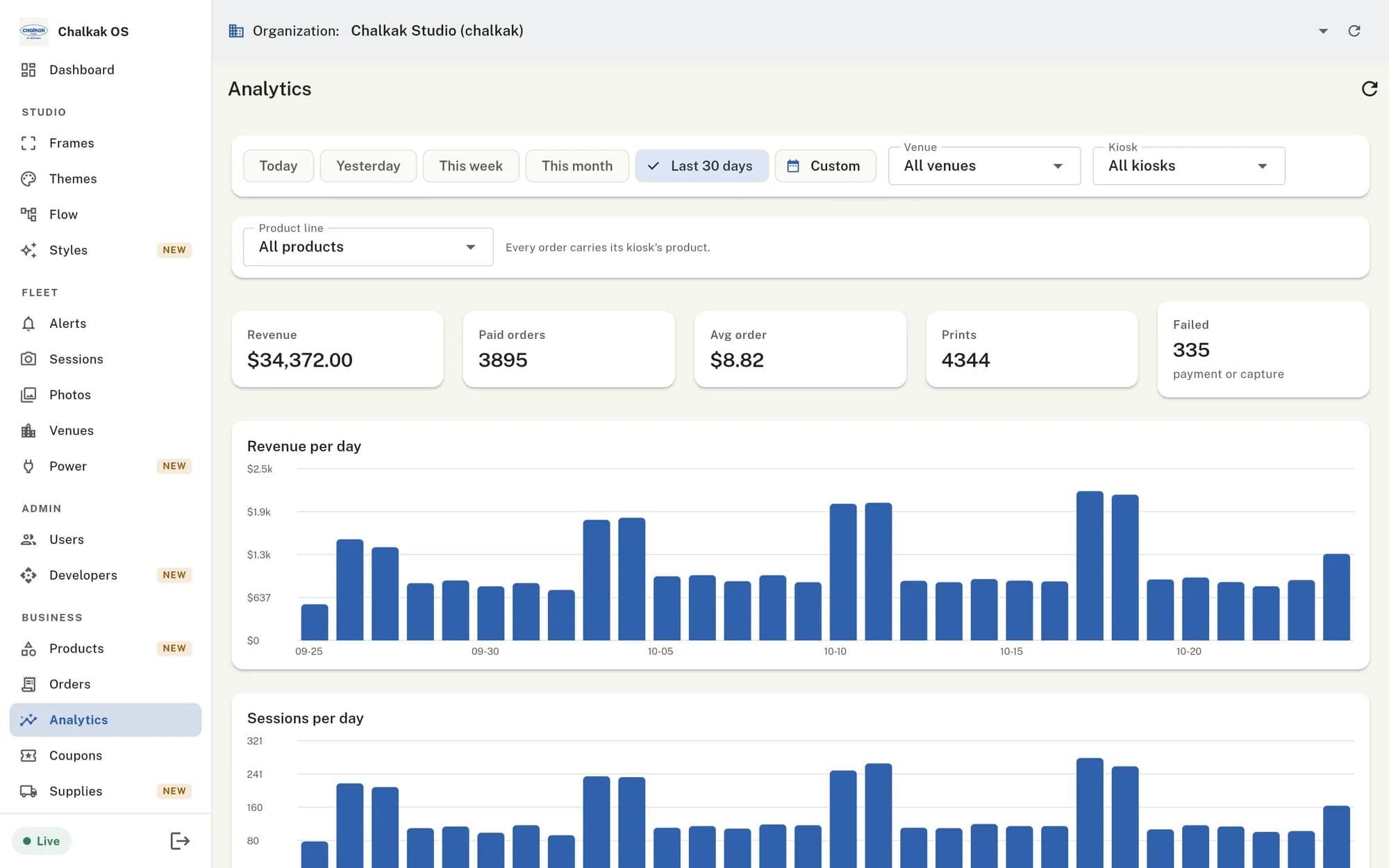
Analytics
Revenue, paid orders, average order and prints by day, filtered by venue, booth or product line.
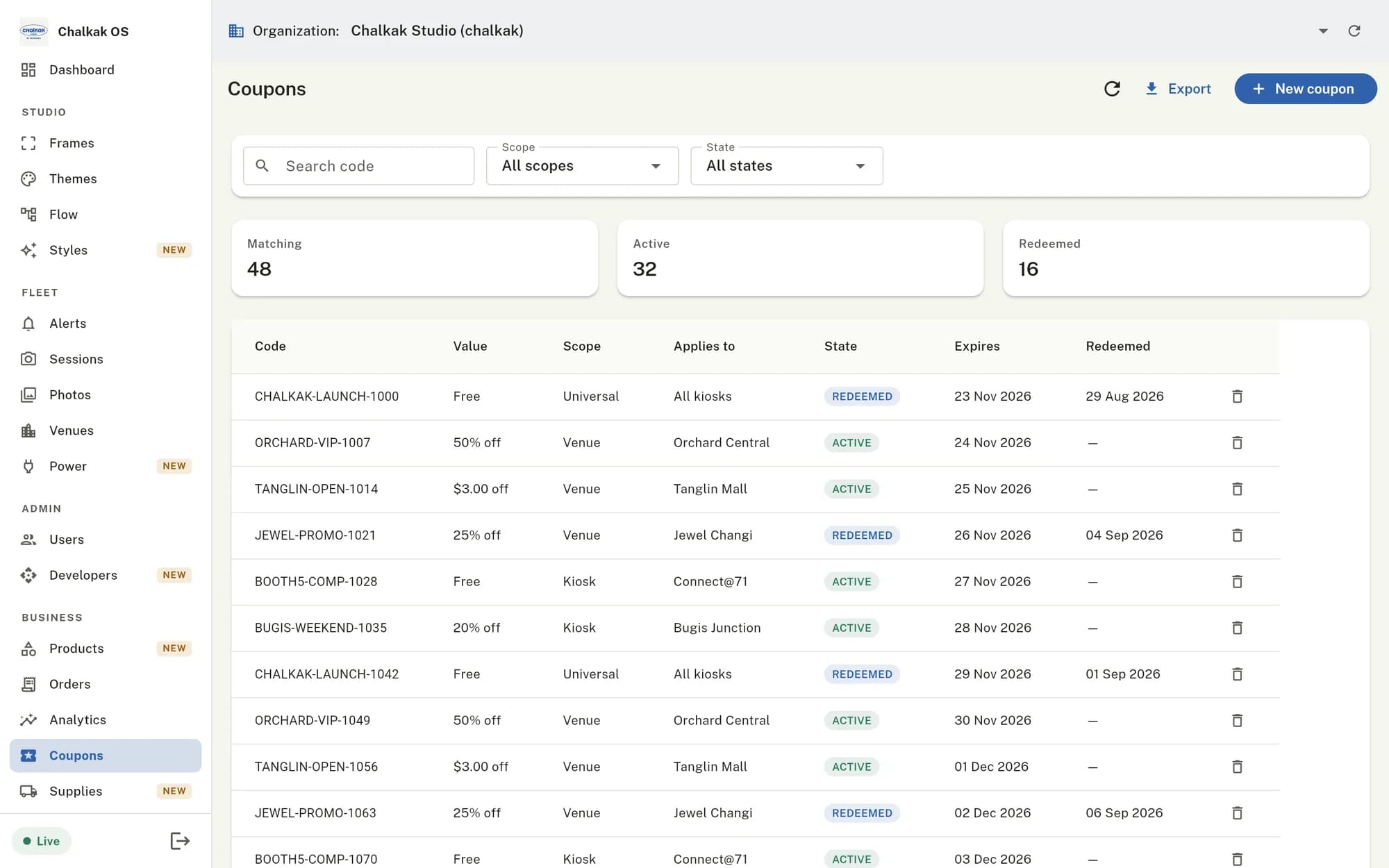
Coupons and vouchers
Free sessions, percentage or fixed discounts for one booth, a venue or every booth, with expiry dates and redemption tracking.
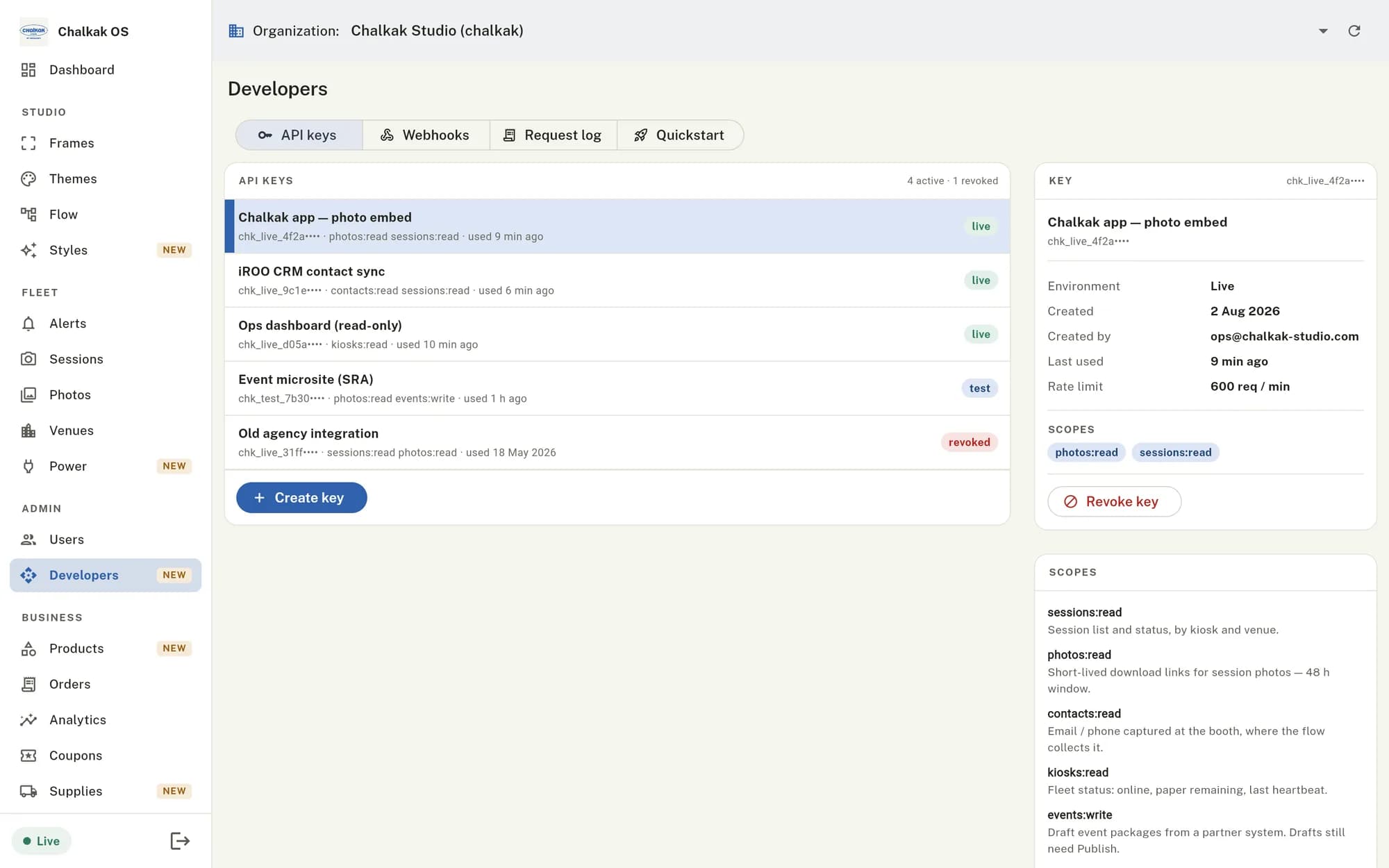
Developers
API keys, webhooks and a request log to connect your CRM, event microsites or ops dashboards, with read-only scopes by default.
Run experiences on your booths
AI photo booths, trading cards, lenticular strips and more run on Chalkak OS. See what you can add, or book our crew for an event.
All 23 experiences
AI, AR and XR, cinematic capture, print mediums and on-site experiences.
Explore experiencesEverything You Need To Know About The Support Features
Discover all the support features
Growing your business takes more than just great controls and customizations, here’s how our support features help you go further.
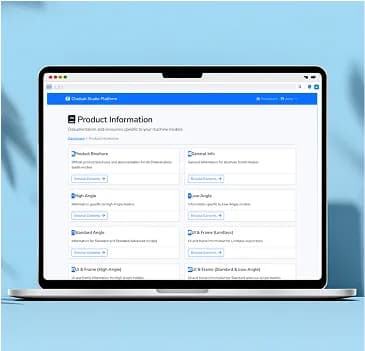
Check product Informamtion
Access all product details, including user manuals, setup guides, and tutorials for the items you’ve purchased.
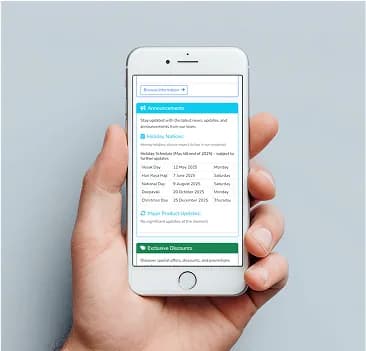
Announcements
Stay updated on new product launches, software updates, and important news about our services.
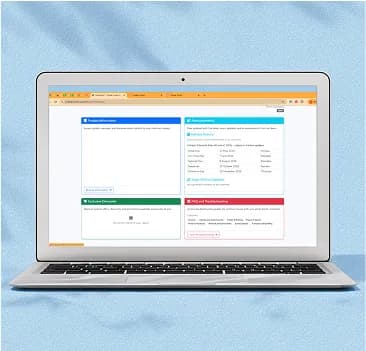
Get discounts on consumables
Enjoy discounts on consumables like ink ribbons and paper (up to 20%), plus early access to new product launches.
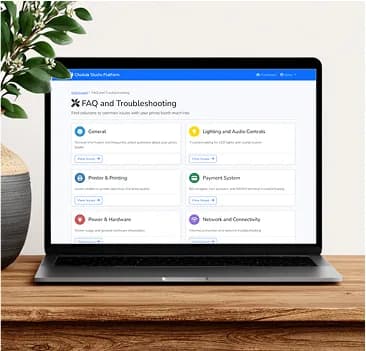
FAQ and Troubleshooting
Access FAQs and detailed troubleshooting guides for all Chalkak Studio products.
Easily Access All Support Tools
A seamless platform that puts all your support tools in one place.
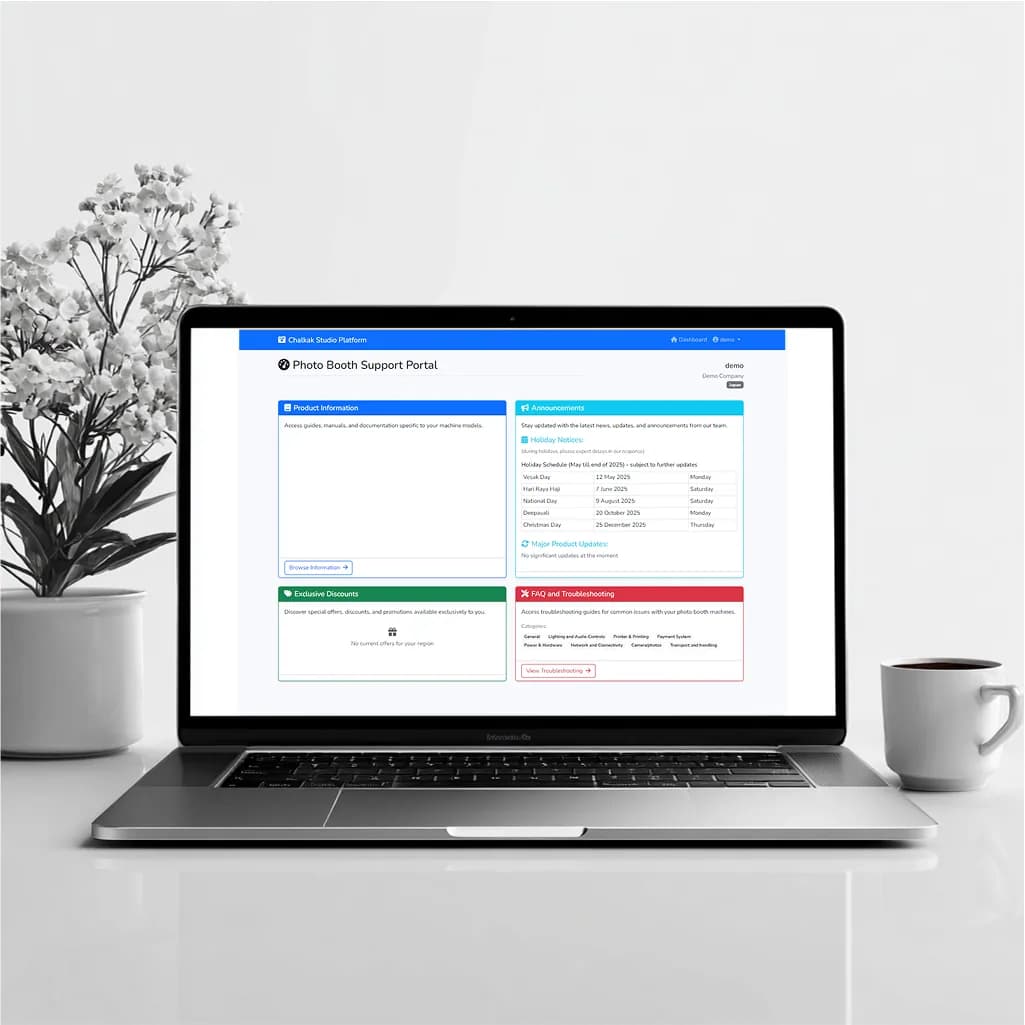
Chalkak Studio Platform
Access all your product manuals, video tutorials, and other common troubleshooting solutions in one simple dashboard. Stay updated and solve most issues without waiting—exclusively for Chalkak Studio members.
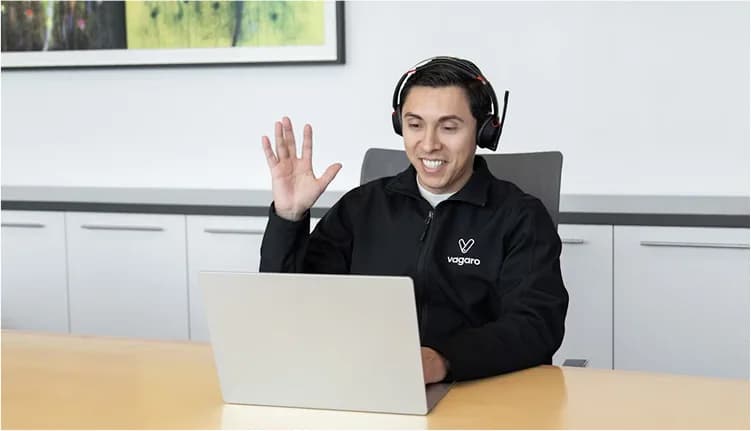
Get Support from our Tech team
Need more help? Our technical support team is just a message away. While live support is available during standard working hours, we monitor critical issues and assist as quickly as possible to minimize downtime.