Photo Booth Maintenance: Weekly Checklist
A practical daily, weekly and monthly maintenance checklist for unattended photo booths, from a team that runs its own booths in Singapore.
Read article →
Chalkak Studio
By the Chalkak Studio team · 20 October 2026
A photo booth is only as good as the strip it prints. Customers forgive a slow screen or a short queue. They do not forgive a blurry, dark or noisy photo they just paid for.
Most of that comes down to photo booth camera settings. The camera inside a Korean photo booth machine is a real mirrorless camera, not a webcam. That means it can take studio-quality portraits, but only if it is set up for the job.
We run our own booths in Singapore and support operators in more than 30 countries. Below are the three settings we check on every new photo booth camera setup: exposure, power and heat, and focus. They take about ten minutes, and you only do them once.
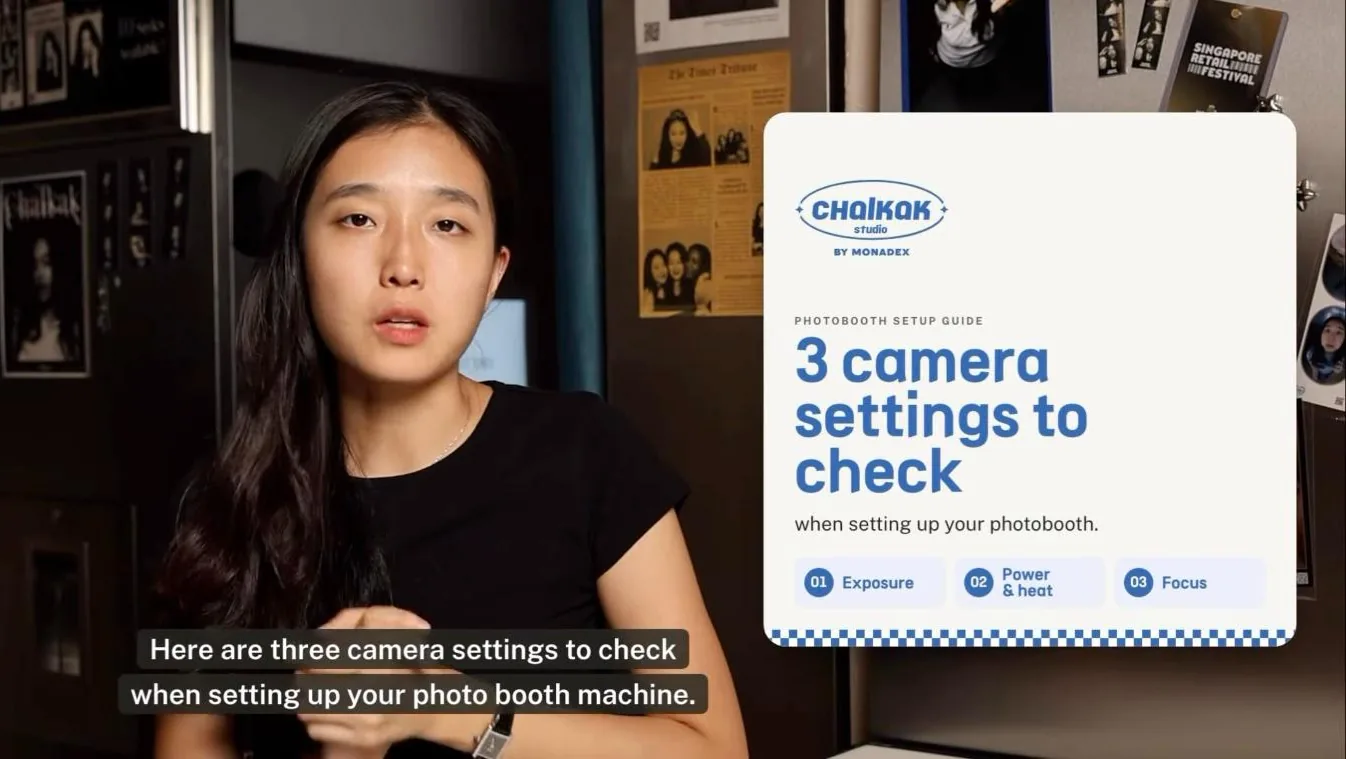
Prefer to watch? Watch the one-minute video on our Instagram →
A camera out of the box is set up for a person holding it. It guesses the exposure, stabilises for shaky hands, shows each photo on its screen and goes to sleep to save battery.
A photo booth camera is different. It is fixed in place, runs all day and is triggered by software. Every one of those "helpful" defaults can cause uneven photos, overheating or a camera that disconnects mid-session.
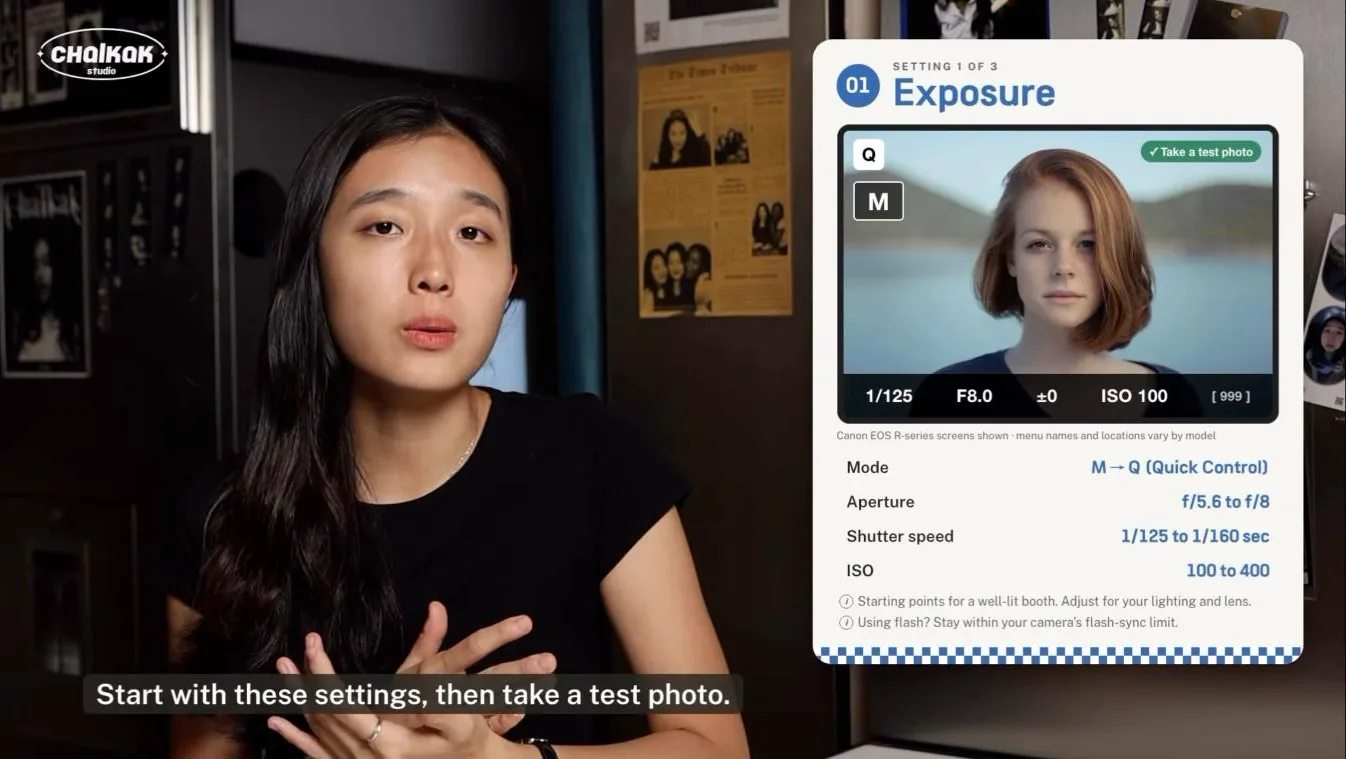
The first step is to put the camera in manual (M) mode. In auto mode, the camera re-meters every shot. A customer in a black shirt and one in a white shirt get different brightness, and your strips stop looking consistent.
In manual mode, you control three things:
Starting values for a well-lit booth:
| Setting | Starting value |
|---|---|
| Mode | M (manual) |
| Aperture | f/5.6 to f/8 |
| Shutter speed | 1/125 to 1/160 sec |
| ISO | 100 to 400 |
These are starting points, not rules. Adjust them for your photo booth lighting and lens, then take a test photo. If you use flash, keep the shutter speed within your camera's flash-sync limit, or you will see a dark band across the frame.
A photo booth camera runs far longer than a camera in someone's hands. Less power use means less heat and fewer mid-day failures. Change these settings:
| Setting | Recommended |
|---|---|
| Image stabilisation | Off |
| Image review | Off |
| Screen brightness | Low |
| Display / viewfinder timeout | Shortest practical |
| Airplane mode | On, if wireless is not needed |
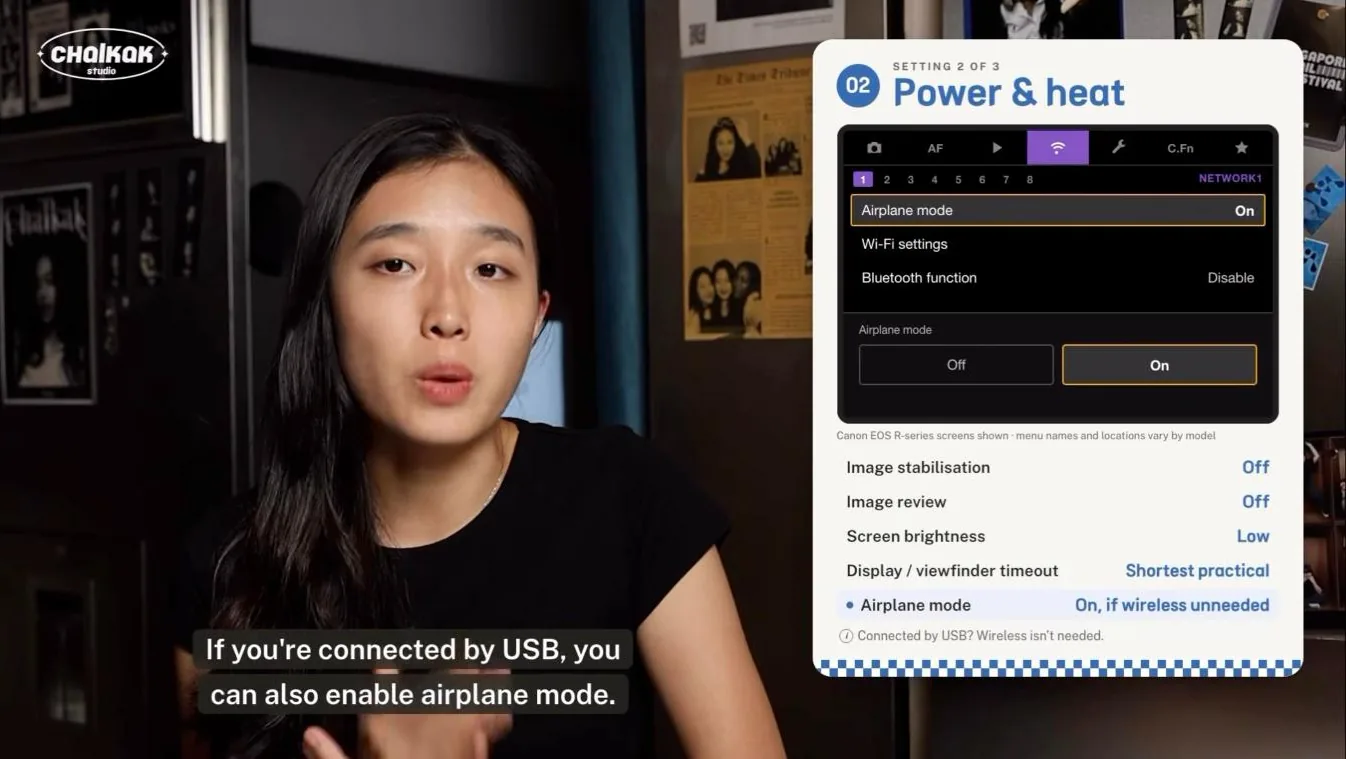
Two cautions. After the camera screen turns off, take a test capture to confirm the booth can still trigger it. And avoid auto power-off settings that disconnect the camera from the booth, or the next customer will be stuck at a frozen screen.
The right photo booth focus setting depends on how customers stand.
| Mode | Use it when |
|---|---|
| Autofocus (AF) | Customers stand at different distances, such as groups and open-angle booths |
| Manual focus (MF) | Customers always stand in a fixed position, such as a marked spot or enclosed booth |
Autofocus is the most flexible choice, but it can occasionally fail to lock, for example on a plain background or in low light. A failed lock usually means the camera refuses to fire and the session stalls.
Chalkak software includes fallback handling if autofocus fails. That lets you use AF without that specific stall, so the session keeps moving.
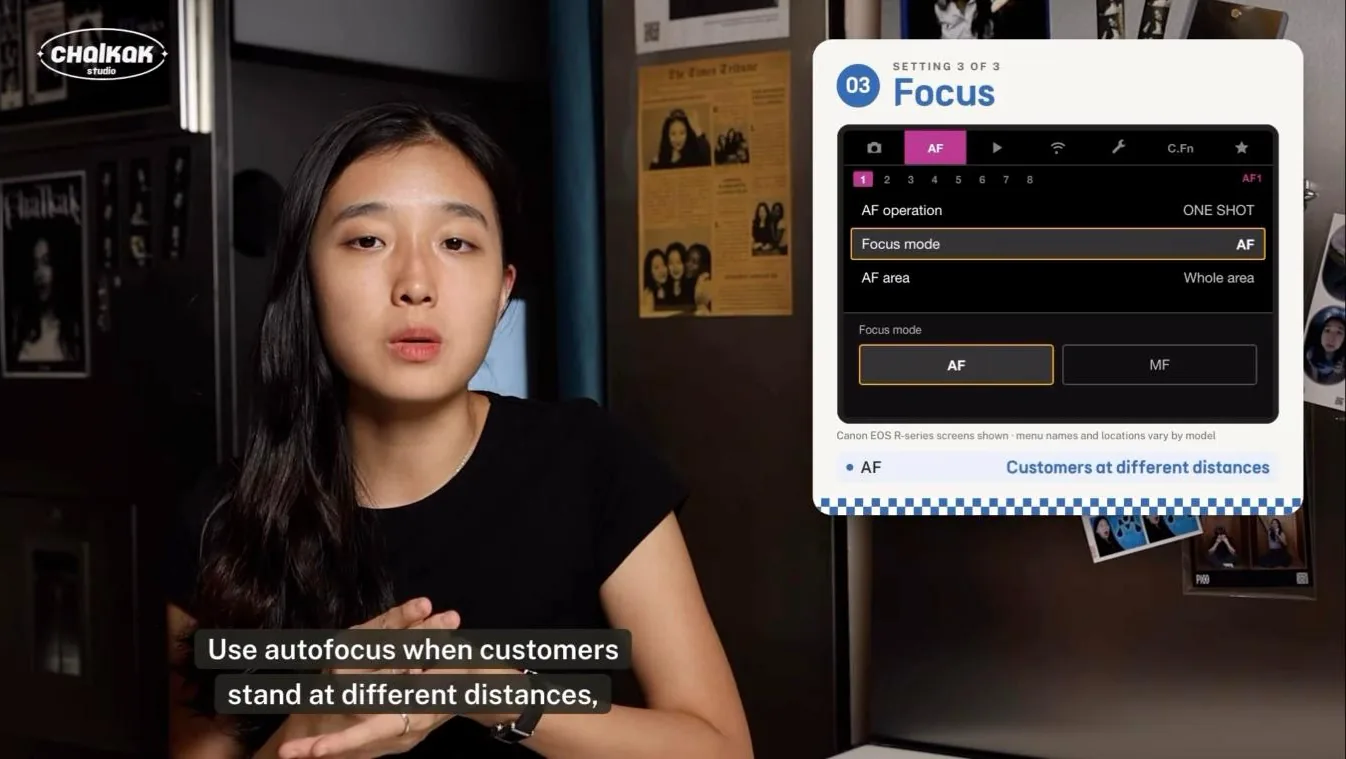
Settings that look right on the camera can still go wrong in a live session. Before your photo booth opens to customers, run one full session from start to finish:
If the print looks right and the camera still responds after sitting idle, you are ready to open. Add this test to your weekly photo booth maintenance checklist as well.
The screens in our video are from Canon EOS R-series mirrorless cameras. Menu names and locations vary by model, but every mirrorless camera has the same three settings. If you cannot find one, search your camera's manual for the setting names in the tables above.
For a well-lit booth, start in manual mode with an aperture of f/5.6 to f/8, a shutter speed of 1/125 to 1/160 sec and ISO 100 to 400. Then take a test photo and adjust for your lighting.
Good photo booth camera settings are a one-time job. Set manual exposure, cut the power drain and choose the right focus mode. Then test a full session, and your booth will print consistent, sharp strips every day.
Already a Chalkak Studio client? Step-by-step setup videos for your camera are coming soon to the Chalkak Studio Platform.
Planning a photo booth business or a branded booth? Compare types of photo booths, or tell us the model and your country and we will send a written quote.
A practical daily, weekly and monthly maintenance checklist for unattended photo booths, from a team that runs its own booths in Singapore.
Read article →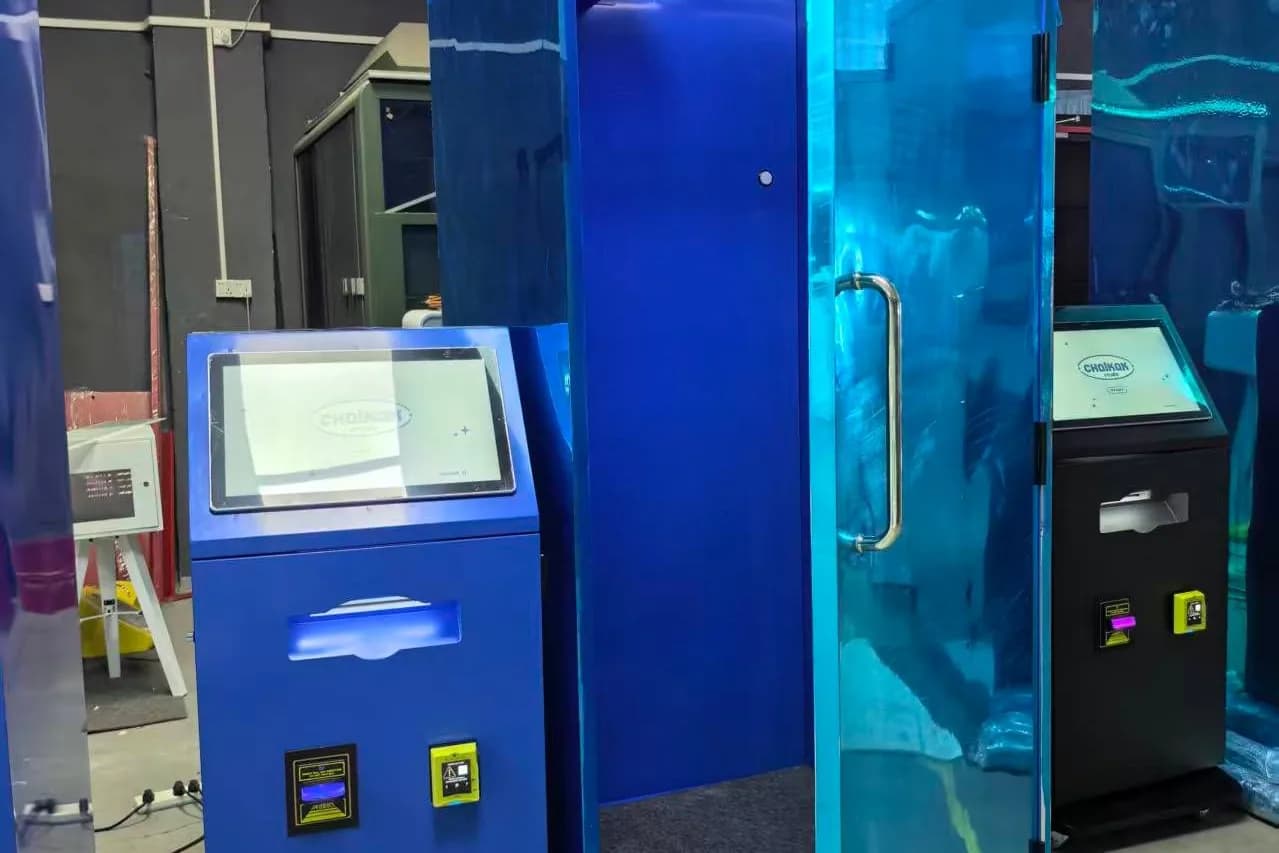
Standard, high angle, low angle, portable, kiosk and enclosed photo booths compared: photo style, size, weight, price and the best locations for each.
Read article →
How much to charge per photo booth session: set a base price, add extra prints and premium formats, use vouchers well, and adjust from real sales data.
Read article →