Photo booth maintenance: the weekly checklist for unattended booths
By the Chalkak Studio team · 1 October 2026
An unattended photo booth is closer to a vending machine than a staffed counter. It sells while you are somewhere else. But "unattended" does not mean "untouched". The booths that earn steadily are the ones that get a few minutes of care every day and a proper check every week.
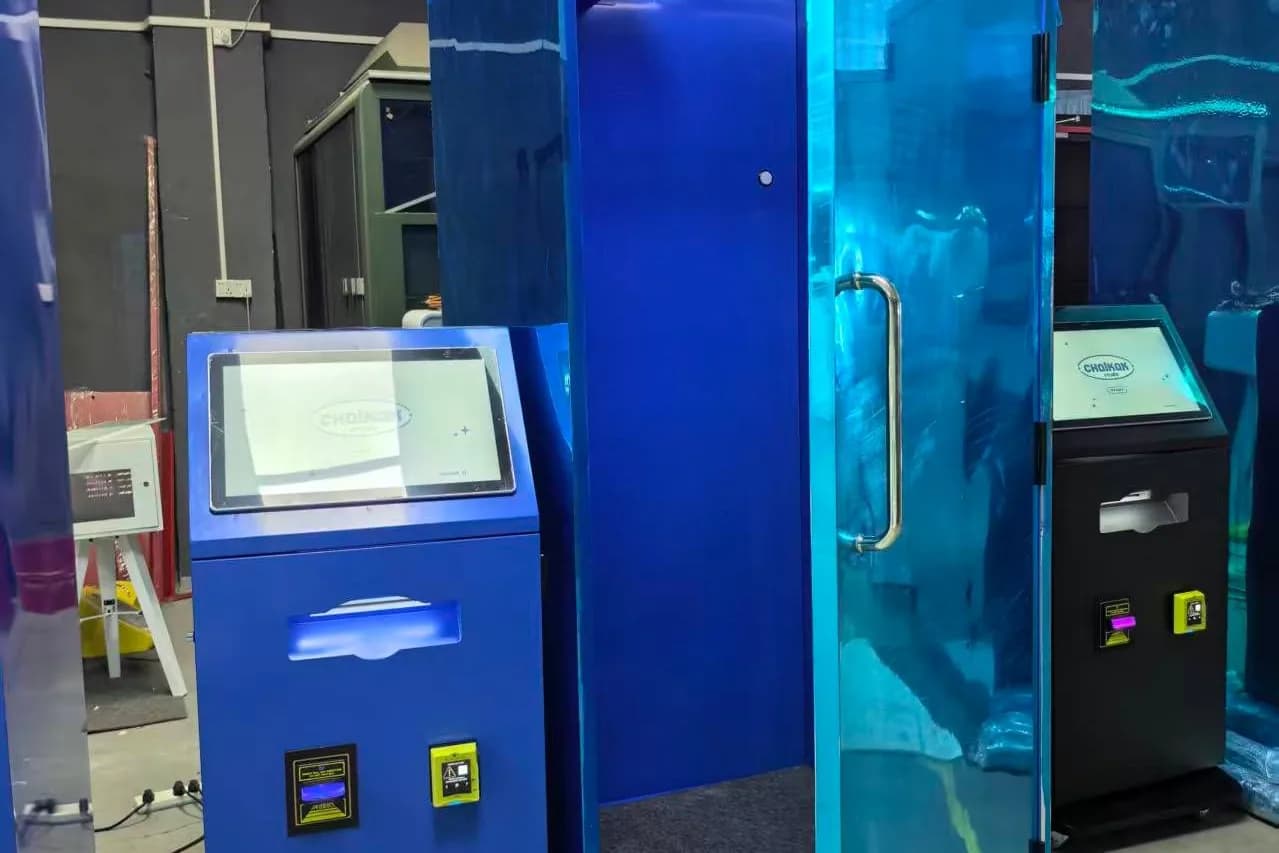
We write this as operators, not only as a supplier. Chalkak runs its own unattended Raon booths in Singapore, so our team does these checks on real machines. We operate what we sell, and the checklist below is the one we would hand a new operator on day one.
Why maintenance is mostly about uptime
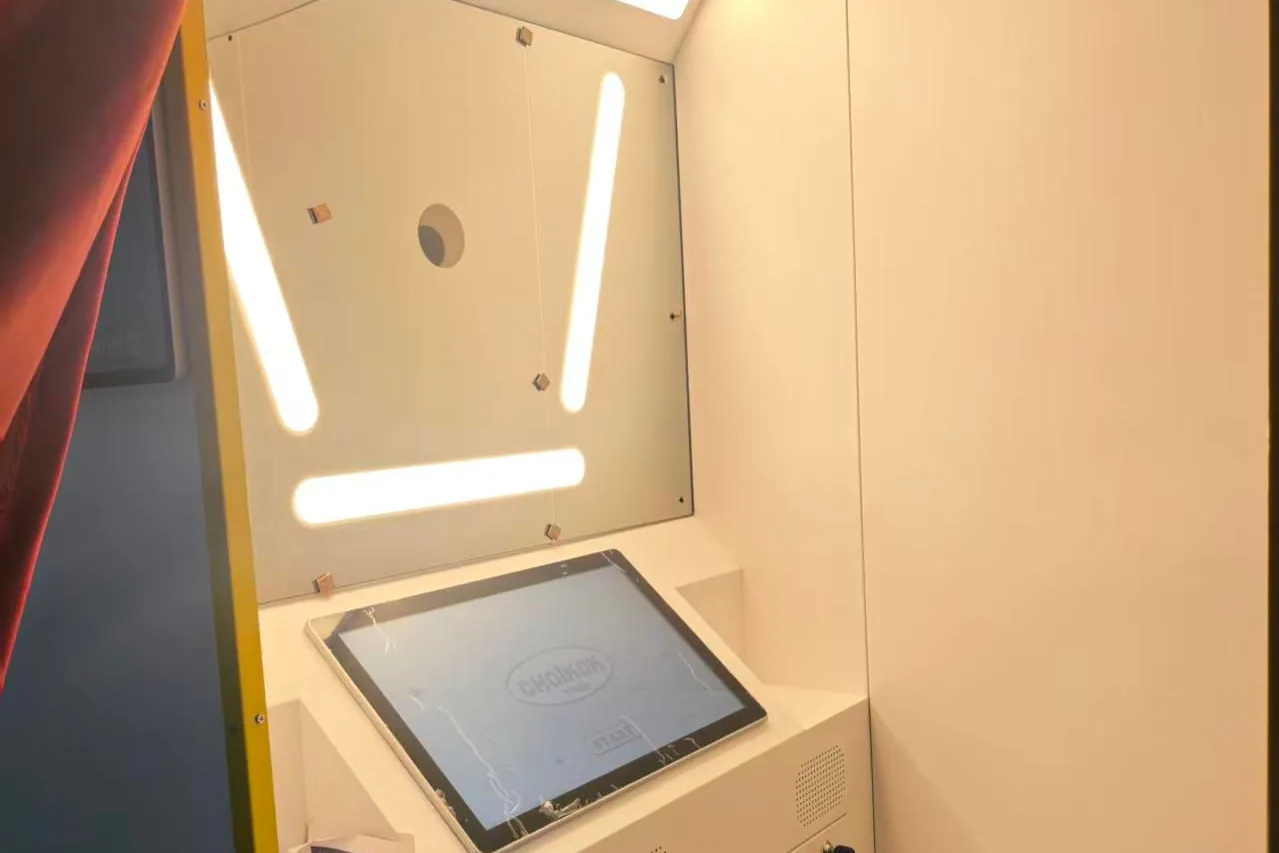
A booth that is down on a Saturday afternoon loses your best trading hours. Most downtime comes from small, predictable things: paper running out, a loose cable, dust on a lens, a dropped internet connection. None of them are hard to fix. The trick is catching them before a customer does.
Good maintenance has two halves: what you do by hand, and what the software watches for you.
What the software watches for you
Every Chalkak machine comes with management software you can open on a computer or a phone. From there you can:
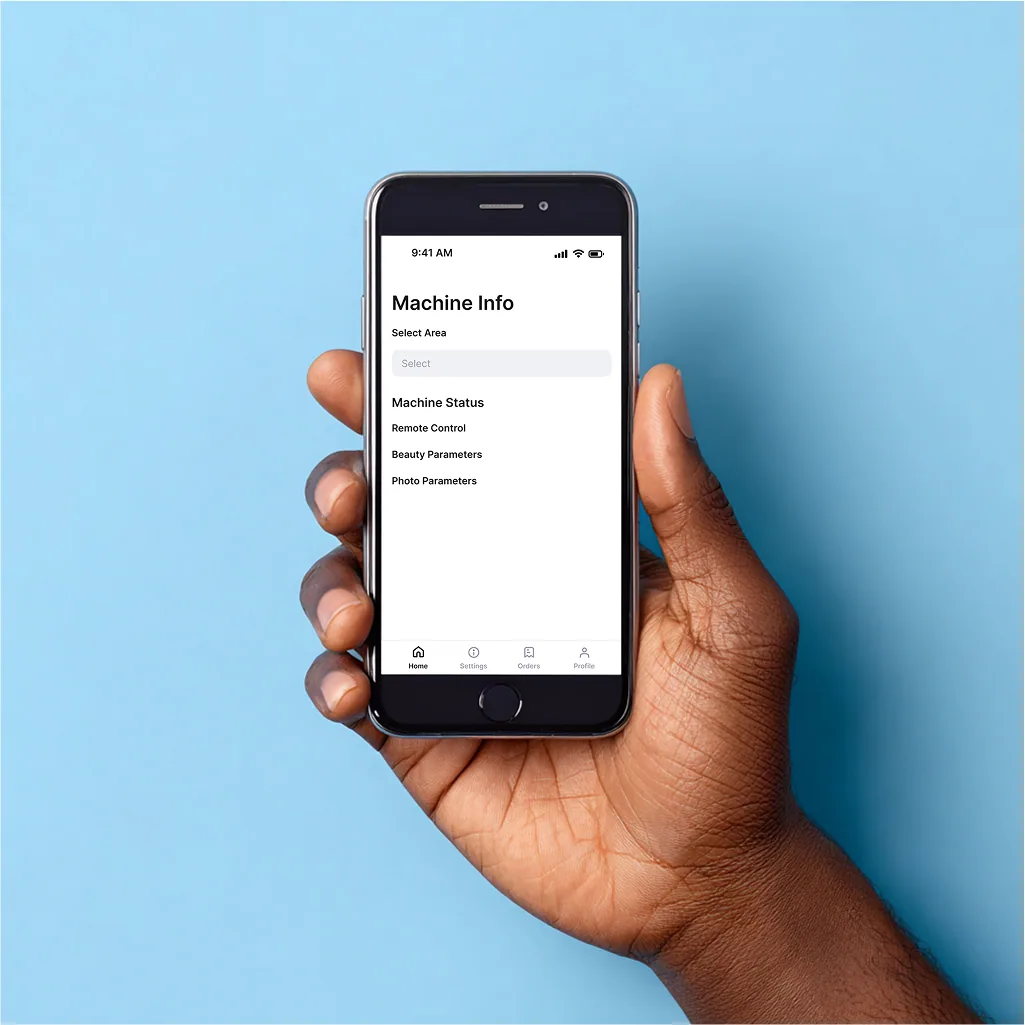
Get fault alerts if the camera, printer or internet connection drops
Track paper and ink ribbon levels in real time, so you restock before you run out
Restart the machine or power it on and off remotely
See transaction logs and revenue, so an unusually quiet day stands out
On our own Singapore booths we run extra monitoring on top, such as automatic restarts if the kiosk app freezes and offline alerts to our team. Ask us what is available for your machine. See what the software does.
Software catches problems. It cannot load paper or wipe a screen. That is where your checklist comes in.
The daily check (5 minutes)
Do this at opening, or ask a trained member of venue staff to do it.
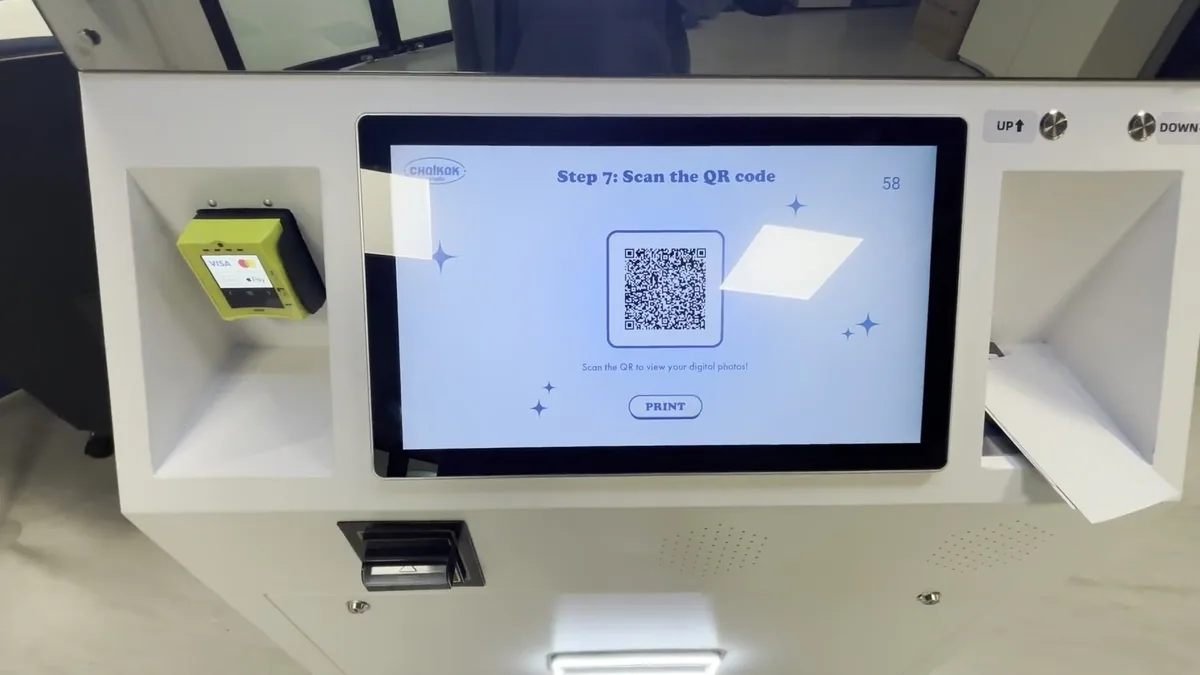
Run a test session. Take a photo, print it and scan the QR code. It is the fastest way to confirm camera, printer, payment and download all work.
Check paper and ribbon levels. Paper and ink ribbon are replaced together as a set. If a set will not last the day, change it before the rush.
Wipe the touchscreen. Fingerprints build up fast and make the booth look neglected.
Look at the booth as a customer would. Lights on, curtain or props tidy, no stray strips or rubbish inside.
Check the dashboard. Any overnight alerts or payment errors?
The weekly checklist
Once a week, preferably before your busiest days, work through this list.
Camera
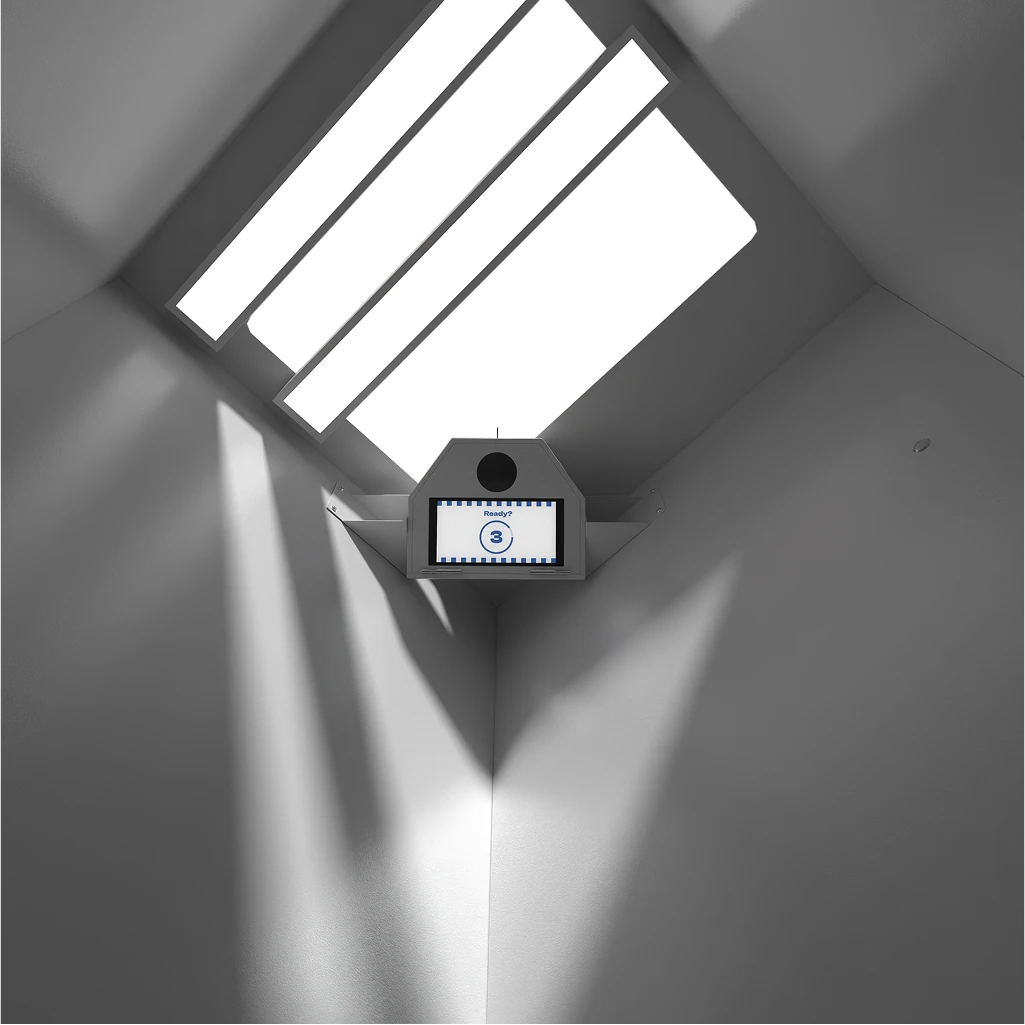
Clean the lens with a microfibre cloth. Dust and fingerprints soften every photo.
Check focus and framing. Review a few recent prints for sharpness. If photos look soft, check the camera settings against your setup guide and make sure nothing is blocking or reflecting into the lens.
Check the camera mount and cables are secure. Booths get bumped.
Printer
Check the print quality on a test strip: look for lines, colour shifts or faint areas.
Clean the paper path and remove paper dust or trimmings from around the printer, following the printer's care instructions.
Make sure the printer has room to breathe. Dye-sublimation printers get warm. Keep vents clear and do not store boxes against them.
Lighting and screen
Check every light is working and evenly bright. One dim panel changes every photo.
Wipe the screen and any mirror surfaces properly, not just a quick pass.
Payments
Test each payment method you accept: card, mobile wallet, cash or coins.
Empty and count cash or coin boxes if you take them.
Check vouchers and prices in the dashboard are what you expect, especially after a promotion ends.
Network
Check the wired internet cable at both ends. A stable wired connection keeps card payments and remote monitoring working. Booths can still run offline, but you lose those features until the connection returns.
Stock
Count your consumables. Keep at least one spare paper and ribbon set on site, and reorder before you open your last one. Shipping takes time, and running out is the most avoidable kind of downtime.
The monthly check
Review your dashboard reports. Look at sessions per day and any faults. A booth that needs restarting more often than usual is telling you something.
Check for software updates and read what changed.
Inspect the exterior for scuffs, loose panels or peeling wraps. Small repairs are cheap; a tired-looking booth costs sessions.
Tidy the cables inside and behind the booth, and check nothing is pinched or strained.
Refresh your frames. Not strictly maintenance, but a new seasonal frame is one of the best ways to keep regulars coming back. See our frame design guide.
When something goes wrong
Most issues have a simple first step.
Booth frozen or unresponsive: restart it remotely from the dashboard. If that fails, power-cycle it on site.
Printer not printing: check paper and ribbon are loaded correctly and the set is not finished, then clear any jam following the printer guide.
Photos blurry: clean the lens, check nothing is in the way, then check camera settings.
Card payments failing: check the internet connection first, then the payment terminal's own status.
Still stuck: contact support with the booth name, what you see on screen and a photo if you can. It speeds things up considerably.
Chalkak customers also get the Chalkak Studio Platform, with manuals, video tutorials and troubleshooting guides in one place.
Train one person on site
If your booth lives in someone else's venue, train one member of their team to do the daily check, change paper and clear a jam. Leave a laminated one-page guide inside the booth. It takes a few minutes and saves many wasted trips.
A quick check every day, a fuller clean and test every week, and a review of reports and the exterior every month.
A booth that looks after itself, mostly
Good hardware and good software do most of the work. A few minutes of care each day does the rest. See how the Chalkak software keeps you informed, compare types of photo booths, or get a written quote.
How much to charge per photo booth session: set a base price, add extra prints and premium formats, use vouchers well, and adjust from real sales data.