Photo Booth Print Quality: 3 Checks
Why prints don't match the screen, how to load and care for a photo booth printer, and how to set print margins so nothing gets cut off.
Read article →
Chalkak Studio
By the Chalkak Studio team · 29 October 2026
"Which printer should I buy?" is one of the questions we hear most from new operators. It makes sense. The photo booth printer is what turns a session into something a customer can hold, and a bad choice shows up in every print.
There is no single best printer for every photo booth. The right one depends on what you sell, where the booth stands and who keeps it running. Here are the first three checks we use when choosing a photo booth printer, from a team that runs its own booths.
This is part 2 of our Printer Insights series. Part 1 explains how dye-sublimation printing works.
Prefer to watch? Watch the one-minute video on our Instagram →
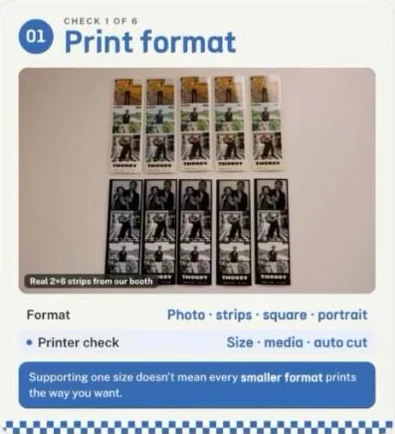
Decide what your customers will receive before you choose the machine. Common photo booth formats are:
Then check three things on the printer itself:
| Printer check | What to confirm |
|---|---|
| Size | It prints the exact format you want to sell |
| Media | Which paper and ribbon that format needs |
| Auto cut | Whether it cuts the output automatically, for example 4x6 into two 2x6 strips |
One trap: a printer supporting one size does not automatically mean it can produce every smaller format the way you want. A 2x6 strip needs the right media and a cut setting, not just a 4x6 printer. Confirm each format you plan to sell. If you are thinking about something more unusual, see the photo print formats guests keep.
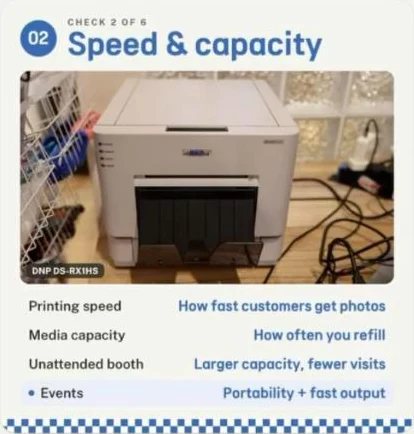
Two numbers matter more than anything else on the spec sheet.
Which one matters more depends on how you run the booth:
| Setting | What to prioritise |
|---|---|
| Unattended booth (mall, café, venue) | Larger capacity, so fewer service visits |
| Events and rentals | Portability and fast output |
For an unattended booth, capacity is not just a spec. Every refill is a trip by a person, so a larger capacity means fewer service visits and lower staffing costs. For event companies, a printer that is easy to move and prints quickly keeps the line moving during a short event.
This is the check people skip, and the one that hurts most later. Before you buy, ask:
A cheaper photo booth printer can become hard to run if you cannot get supplies when you need them. The first time a booth sits idle waiting for consumables, the savings are gone.
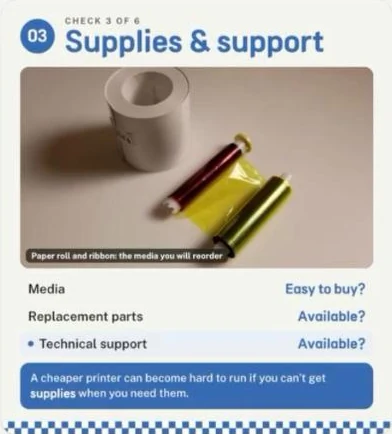
Every Chalkak machine uses a DNP DS-RX1HS dye-sublimation printer, made in Japan. Here is how it answers the three checks:
| Check | DNP DS-RX1HS in a Chalkak booth |
|---|---|
| Print format | 2x6 strips and 4x6 prints |
| Speed and capacity | 12 to 15 seconds per photo, 700 prints per roll |
| Supplies and support | Media through Chalkak, up to 20% off on the Chalkak Studio Platform, or sourced locally; spare parts and technical support from our team |
See the full machine specs, our services, and how the software alerts you when the printer needs attention.
Format, speed and supplies are the first half. Part 3 of this series covers the other three checks:
Read them in photo booth print quality: colour, loading and care, and print margins.
There is no single best printer for every booth. Choose one that prints the formats you sell, is fast enough for your queue, holds enough media for how often you can refill it, and has supplies and support in your country.
The right photo booth printer is the one that prints what you sell, keeps your queue moving and never leaves you waiting for supplies. Check format, speed and capacity, and supplies and support before you compare prices.
Planning a photo booth business? Compare types of photo booths, or tell us the model and your country and we will send a written quote.
Why prints don't match the screen, how to load and care for a photo booth printer, and how to set print margins so nothing gets cut off.
Read article →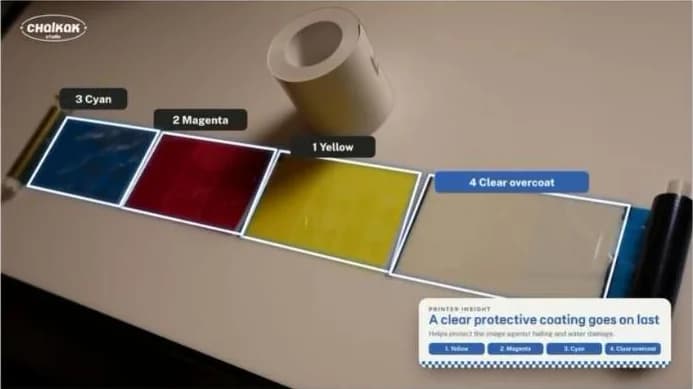
Why photo booth prints come out dry: how a dye-sublimation printer uses a ribbon, heat and a clear overcoat to make instant, fade-resistant photo prints.
Read article →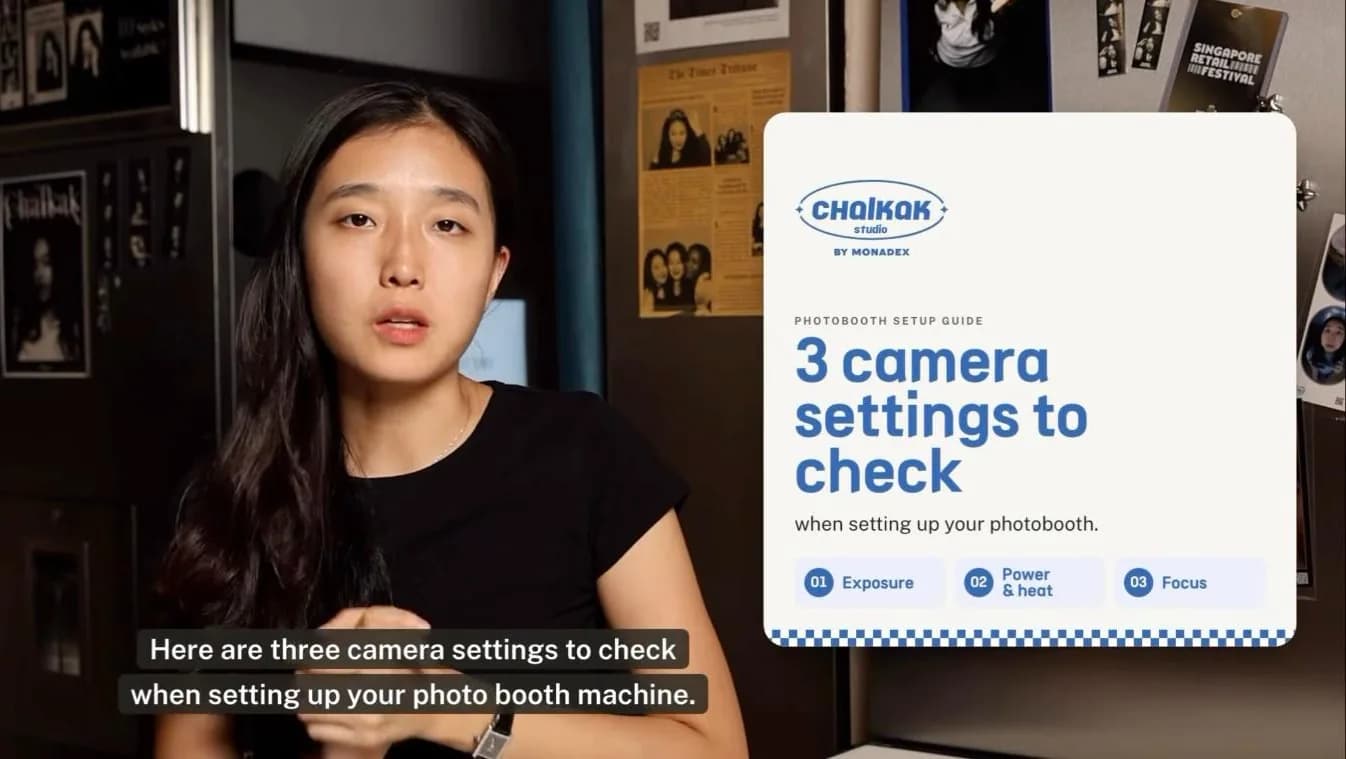
The best camera settings for a photo booth: exposure, power and focus. Starting values for mirrorless cameras, from operators who run their own booths.
Read article →