How to Choose a Photo Booth Printer
Buying a photo booth printer? Check print format, speed and media capacity, and supplies and support first. A practical guide from operators.
Read article →
Chalkak Studio
By the Chalkak Studio team · 29 October 2026
You can buy the right printer and still get disappointing prints. Colours that look different from the screen, jams in the middle of a busy day, a logo cut in half at the edge. These problems cost operators real money, and most of them are avoidable.
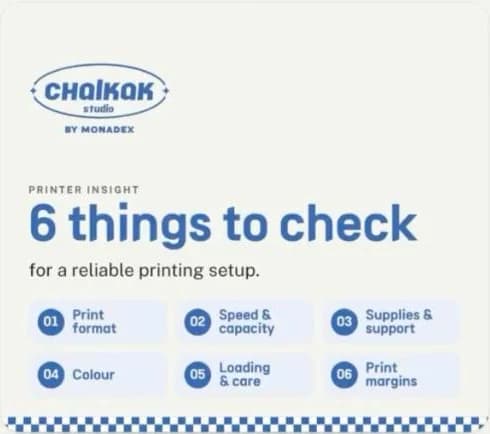
This is part 3 of our Printer Insights series and the last three checks in our 6-point printer check. Part 2 covered print format, speed and capacity, and supplies and support. Here we cover what decides photo booth print quality once the printer is running: colour, loading and care, and print margins.
Prefer to watch? Watch the video on our Instagram →
Screen colour is not print colour. A screen emits light. A print only reflects whatever light is in the room. So the same file will never look exactly the same on a screen and on paper.
The fix is a colour profile matched to your specific printer and media. A profile tells the system how that printer and paper actually reproduce colour, so the print comes out the way you intended. For branded events and custom frames, we build custom profiles so a brand gets the colours it actually intended.
One rule people get wrong all the time: apply your colour correction once, either in the software or in the printer, never in both. If both make corrections, they stack, and the results shift in ways you cannot predict. Pick one place, set it there, and leave the other neutral.
Most printer "faults" we get called about are actually loading habits. A few rules prevent most of them:
| Do | Don't |
|---|---|
| Follow your exact printer's instructions to clear a jam | Pull a jammed print out by force |
| Handle paper by the edges | Touch the printable surface |
| Check nothing is left loose inside before closing | Leave tools, offcuts or wrappers in the machine |
| Keep the ventilation clear | Store boxes or bags against the vents |
| Service it the way the manual says | Skip cleaning until something breaks |
A clean, correctly loaded printer is also a faster one: no reprints, no waiting customers. Our weekly maintenance checklist includes the printer checks to do each week.
Paper position and the cut can shift very slightly with every print. Borderless printing can also enlarge or crop your image a little. Two rules keep your design safe:
How big that margin should be depends on your output resolution, printer and driver settings. Do not trust a number from someone else's setup. Print a test on your own machine and check where the cut actually lands. Our frame design guide covers safe margins when designing frames.
| # | Check | What it decides | Covered in |
|---|---|---|---|
| 1 | Print format | What customers take home | Part 2 |
| 2 | Speed and capacity | Waiting time and refill visits | Part 2 |
| 3 | Supplies and support | Whether you can keep it running | Part 2 |
| 4 | Colour | Whether prints match your design | This article |
| 5 | Loading and care | Jams and downtime | This article |
| 6 | Print margins | Whether anything gets cut off | This article |
New to how booth printers work? Start with how dye-sublimation printing works.
A screen emits light, while a print reflects the light in the room, so they never look identical. Use a colour profile matched to your printer and media to bring them close.
Colour, loading and care, and print margins decide whether a good printer produces good prints every day. Together with format, speed and supplies, that is the full checklist we use for every booth.
If this series helped, share it with whoever is choosing your next machine. Planning a photo booth business? Compare types of photo booths, or tell us the model and your country and we will send a written quote.
Buying a photo booth printer? Check print format, speed and media capacity, and supplies and support first. A practical guide from operators.
Read article →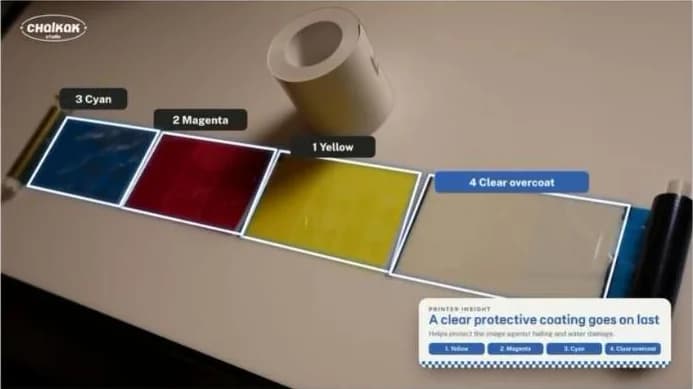
Why photo booth prints come out dry: how a dye-sublimation printer uses a ribbon, heat and a clear overcoat to make instant, fade-resistant photo prints.
Read article →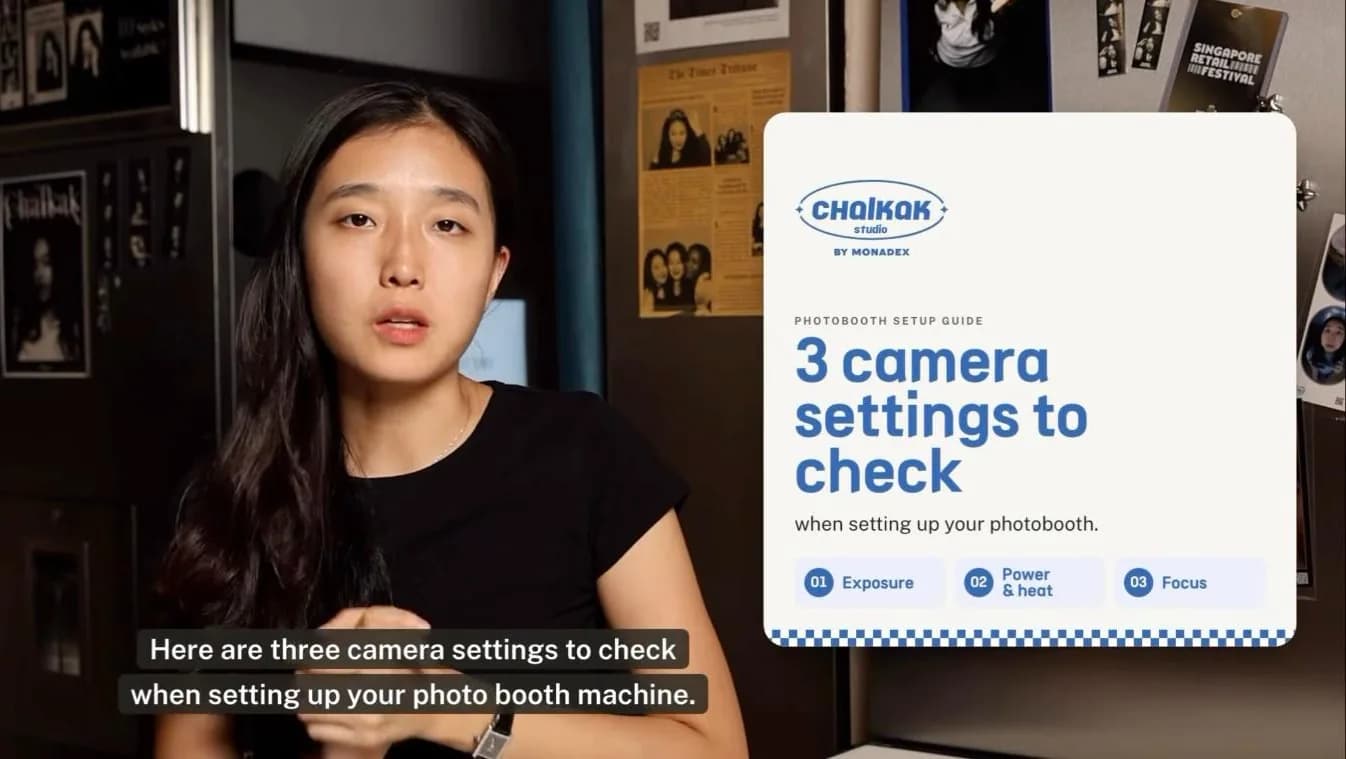
The best camera settings for a photo booth: exposure, power and focus. Starting values for mirrorless cameras, from operators who run their own booths.
Read article →